




5.0from 63 Google ratings

Live Camera Feeds and IMAG for Events in South Florida

A live camera feed to the big screen lets the back row read a speaker's face or watch a singer's hands as it happens. The trade calls it IMAG, short for image magnification. We bring the cameras, the people behind them and the video mixing desk, then cut between cameras, slides and video for every screen in your room.

Price Live Cameras for Your Event

Five quick fields. We call or text you back with a quote.

Want to give more detail? Use the full form.

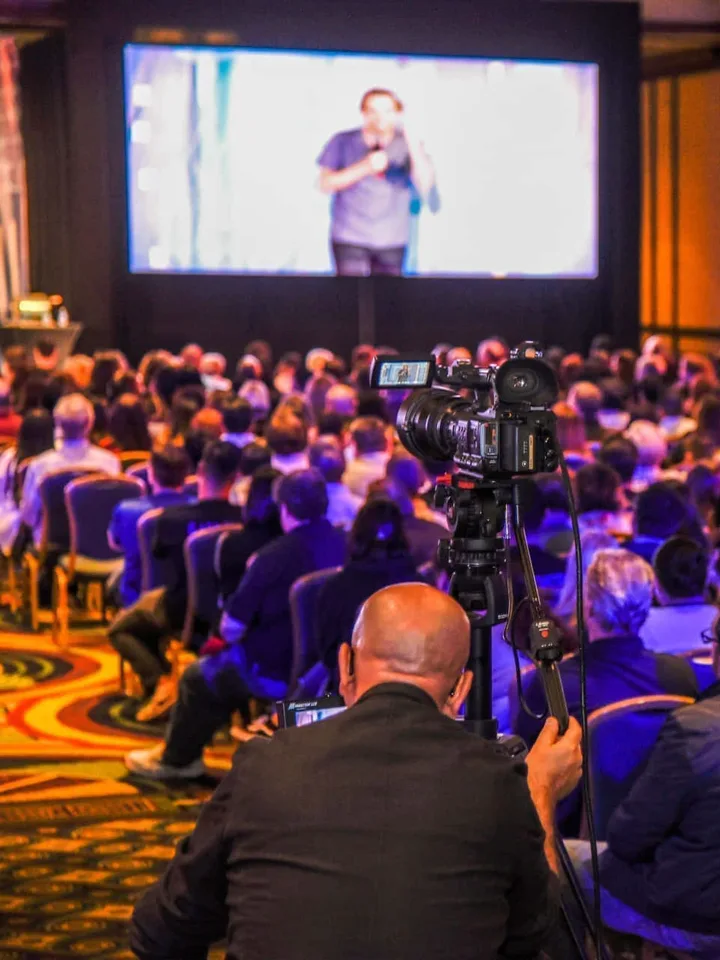
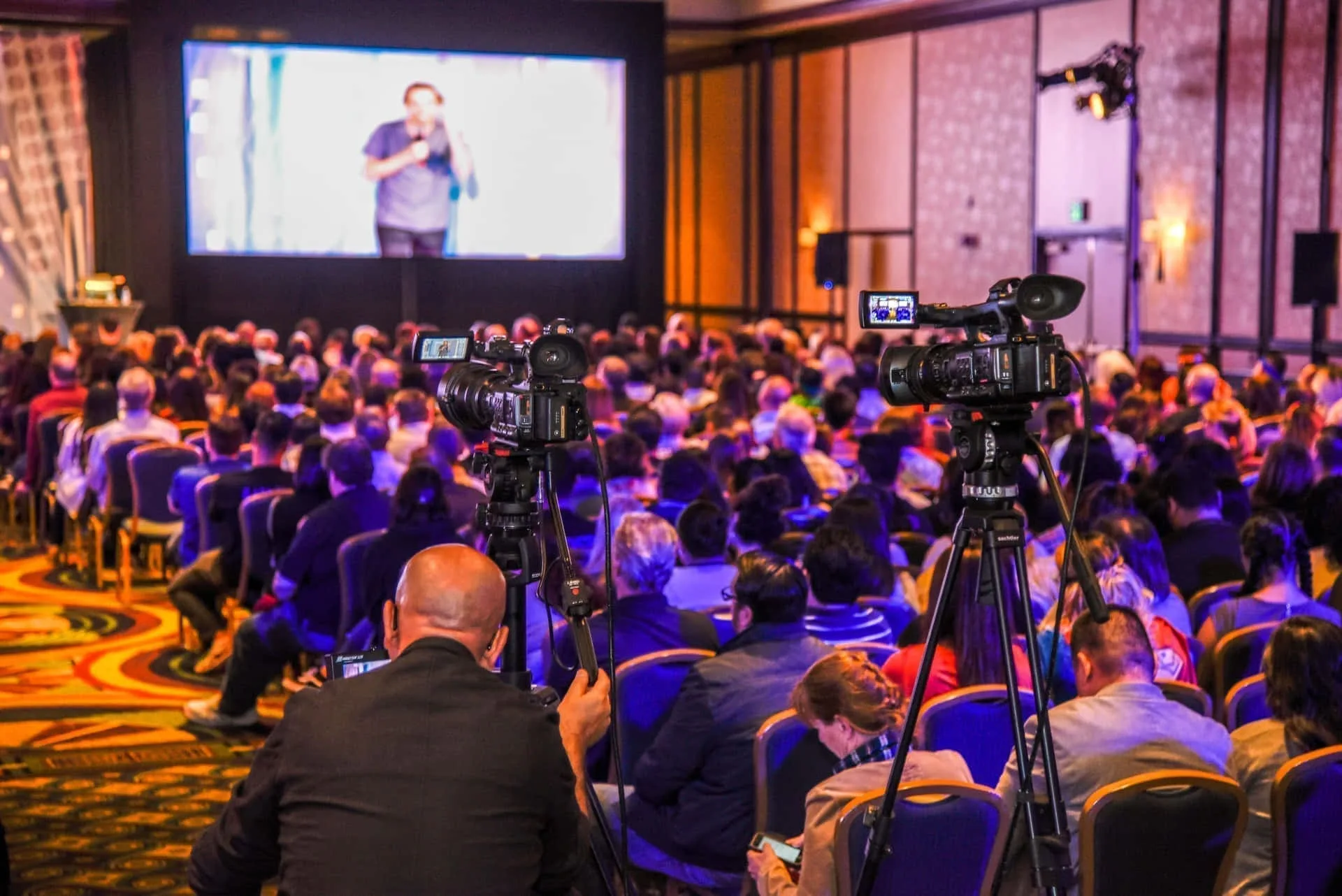
  • A seated conference crowd looking up at a screen that shows the presenter holding a microphone.
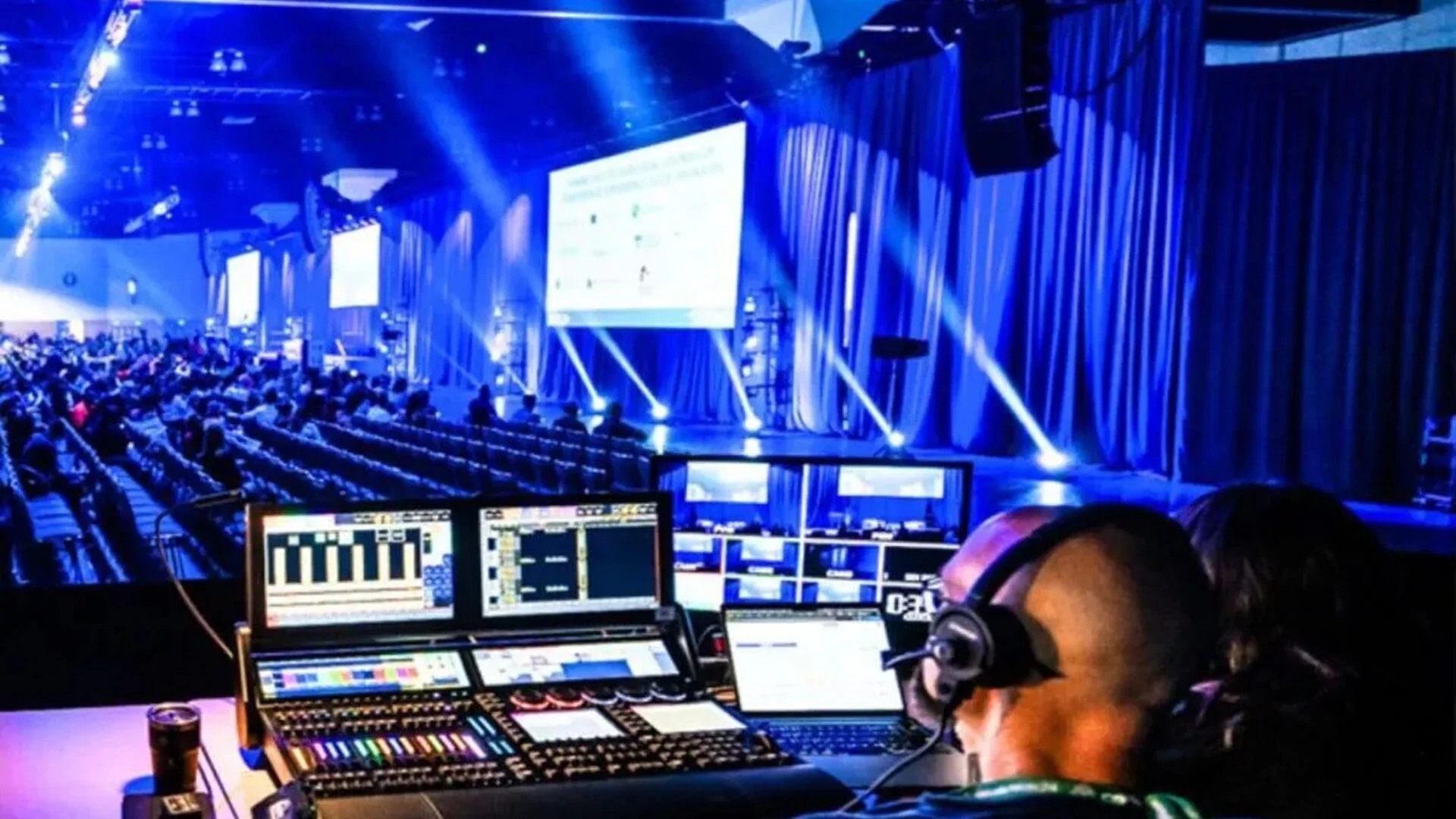
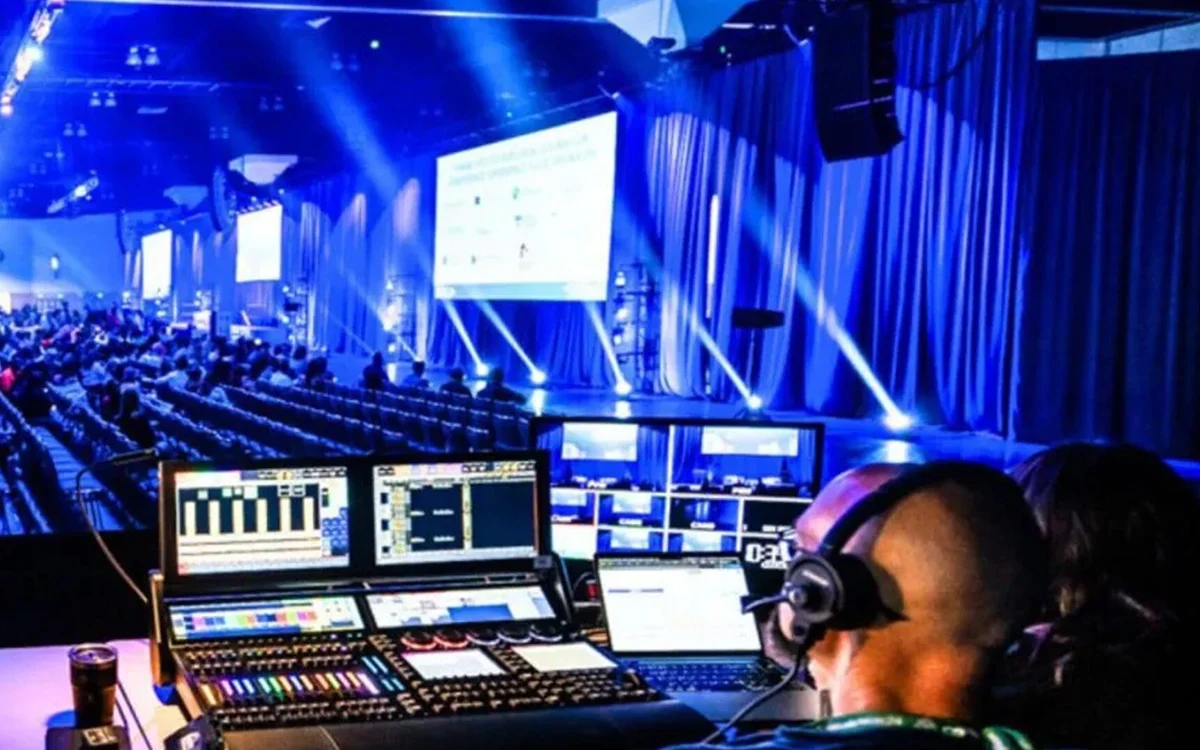
  • A crew member in a headset at the control desk behind a conference hall, with blue beams and screens ahead.
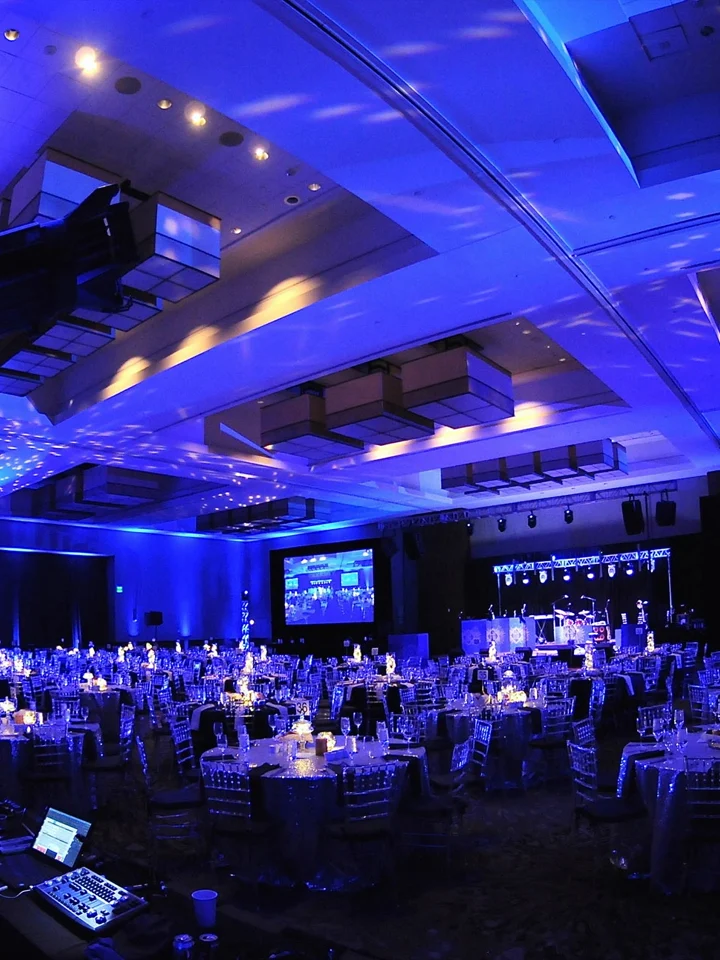
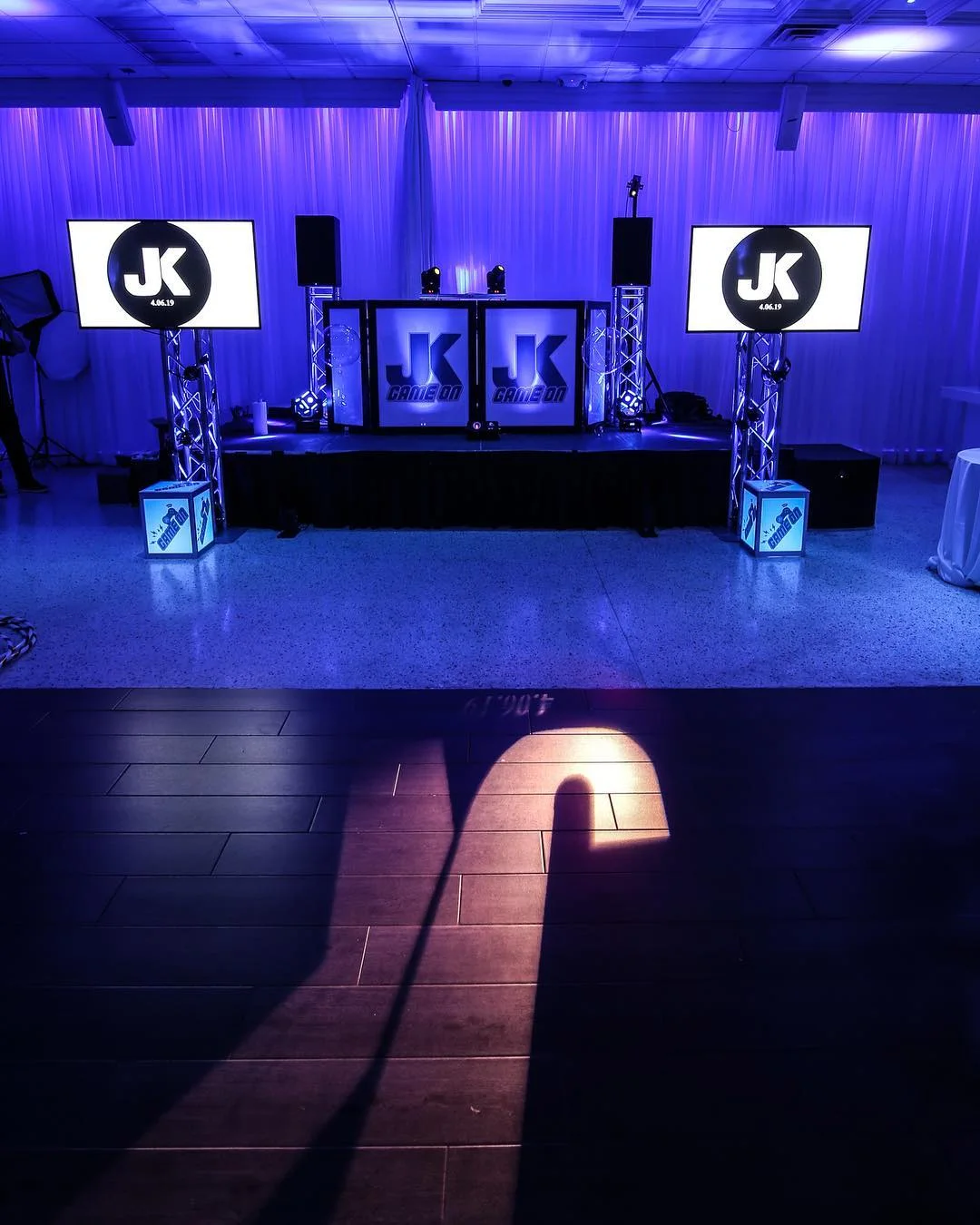
  • A blue lit ballroom with a screen on each side of the stage.
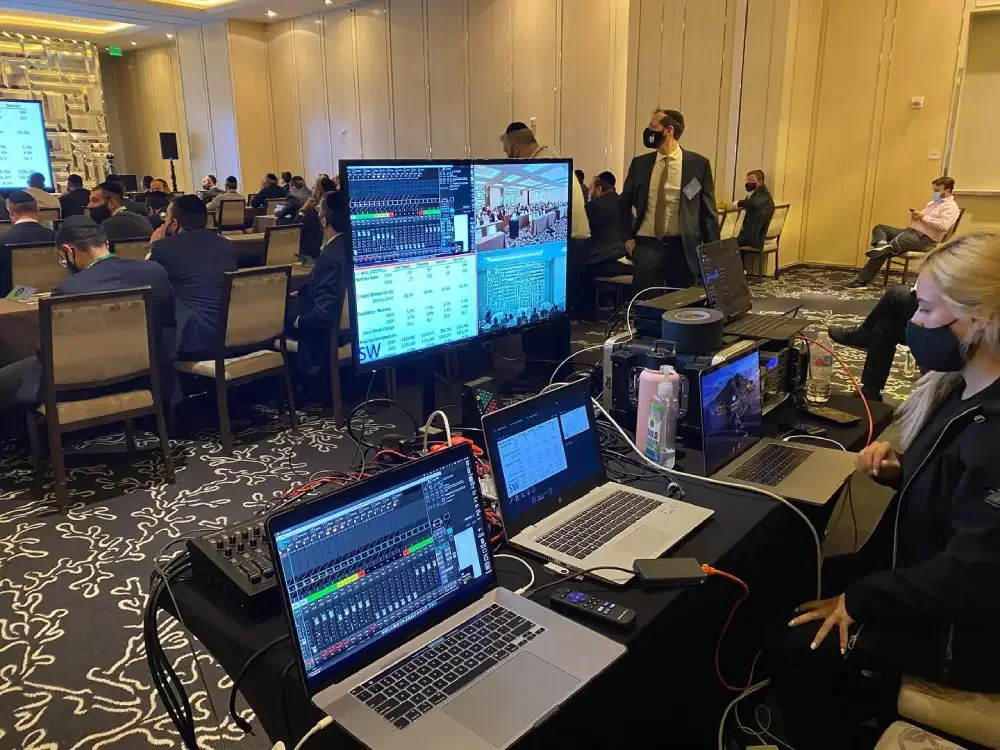
  • One of our technicians working a console with the stage in view past the desk.
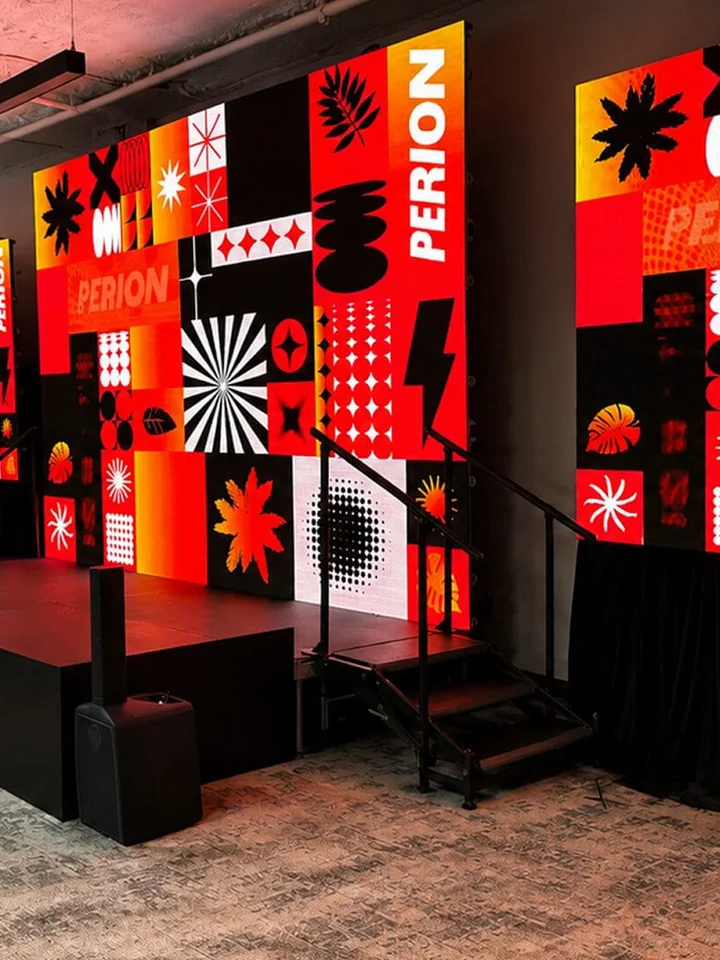
  • An empty stage in front of a red and black graphic backdrop.

We Bring the Vibe. You Live the Moment.

5.0
Google Reviews5 out of 563 ratings. Read them on Google
Family OwnedSince 2017, out of our Hialeah shop
One Crew, Every SystemSound, lighting, video, staging and DJs
Open Daily9:30 AM to 8:30 PM
(305) 714-0402

What You Get

What Live Camera Feeds and Video Mixing Cover

A screen with nothing live on it is a slide holder. Past a certain row, people stop watching the person and start watching their phones. Live event video production fixes that with six jobs, and one crew does all of them.

Proof

What Clients Wrote About Our Screens and Tech

Copied from our Google listing without a word changed.

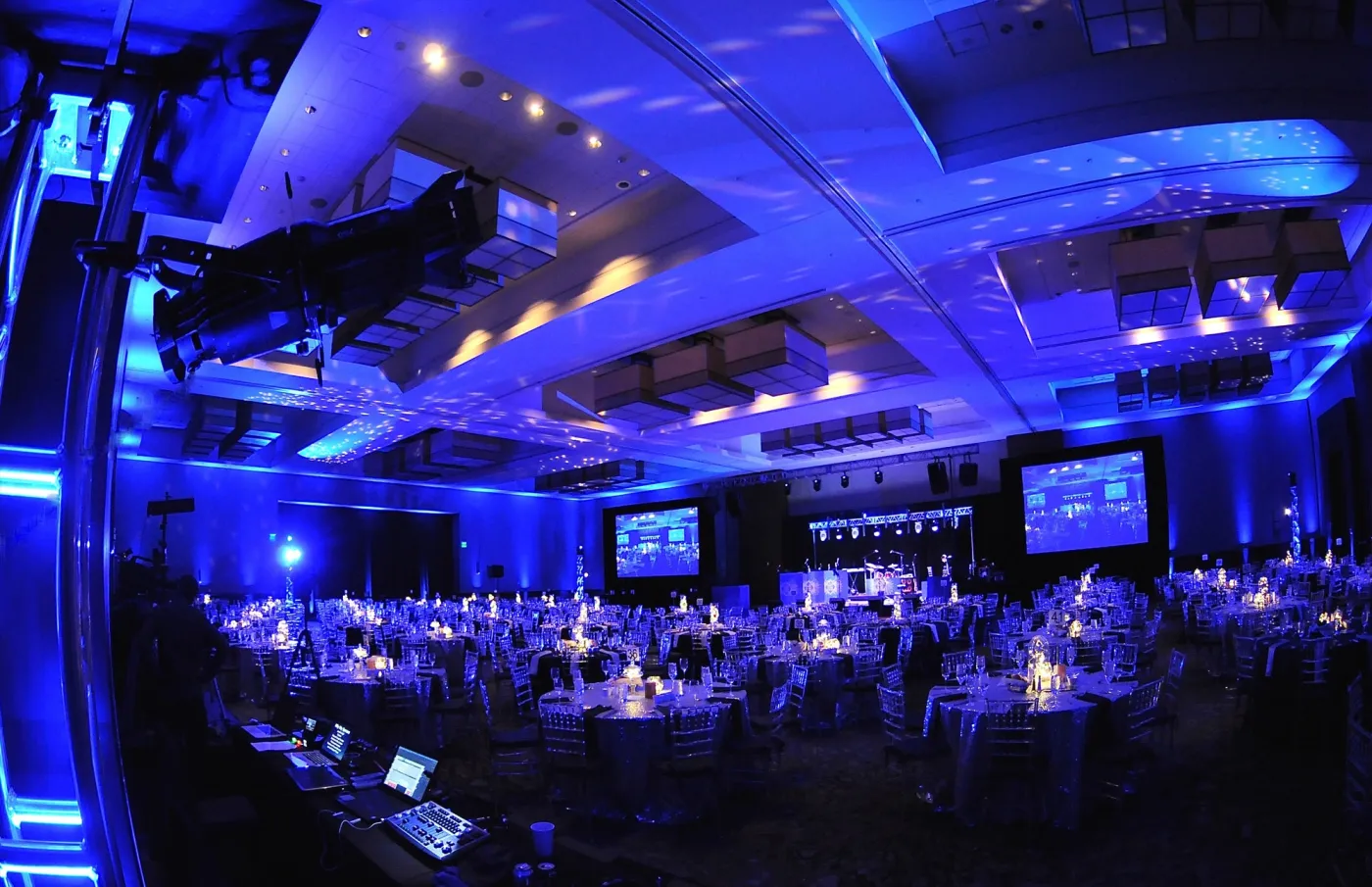
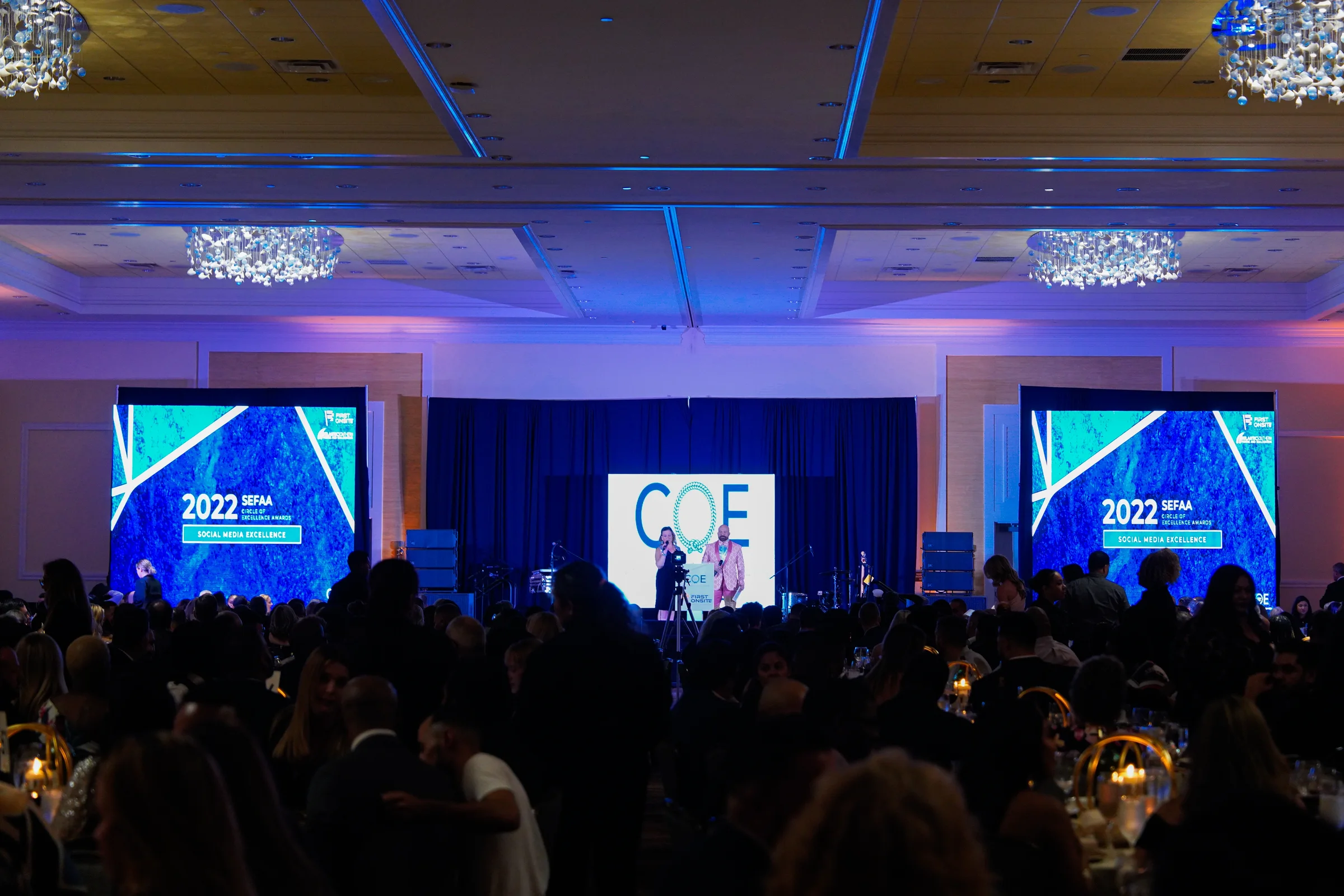
  • A hotel ballroom during an awards dinner, with a screen to the left and right of the stage.
    Google review AIA Miami 5 out of 5 stars. Google review of an annual gala. Photo from one of our events.
    “We trusted SoFlo Main Event Productions with our annual gala, and they more than delivered! Communication was great. They did what they said they would do in the time frame they said they would do it. They also provided a fab DJ, costumed dancers, and handled all tech with ease. I was really impressed. Plus, I have to say that they were really relaxed and very easy to work with. When you deal with large events, working with nice people is so important.”
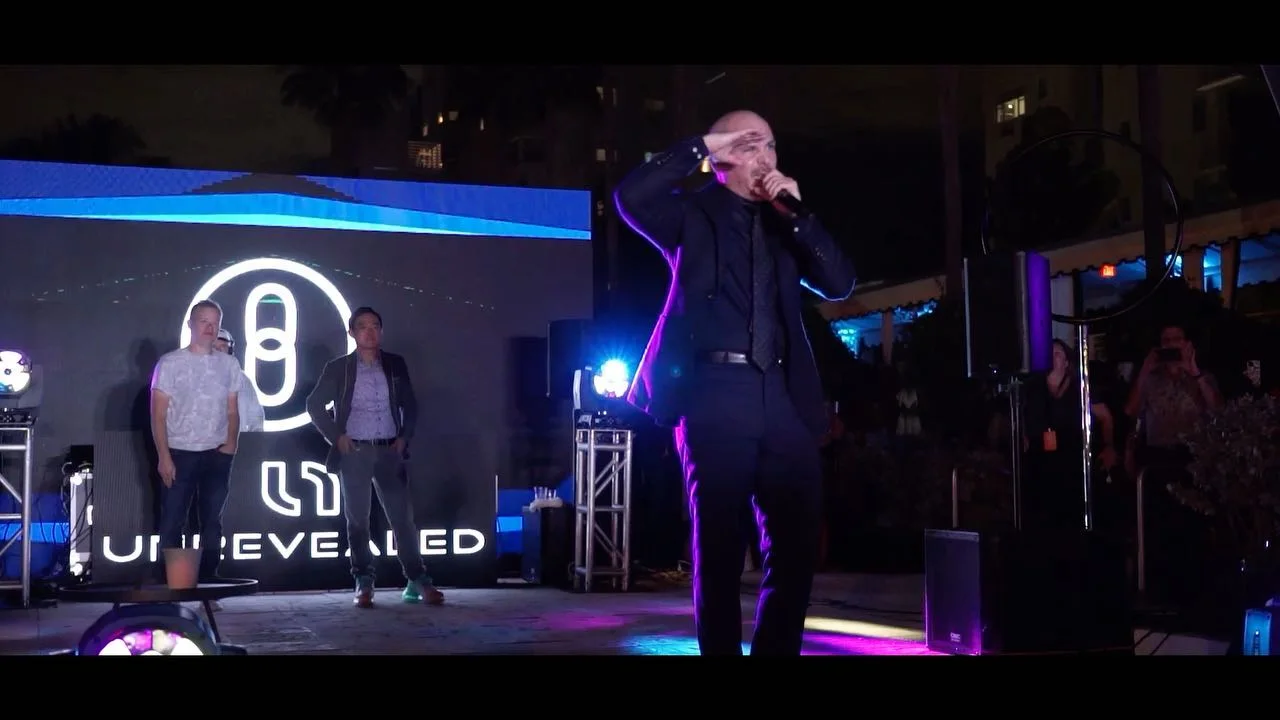
  • A man performing on an outdoor stage after dark with a video screen lit up behind him, posted on our Instagram during Miami Art Week 2021.
    Google review Rosaly Figueroa 5 out of 5 stars. Google review of a private event. Photo from one of our events.
    “OMG! They are simply amazing! Not only they were ready they brought all their equipment, all I had to do was to show them where they would be and they did it all! Hey took a video, photos, lights, bistro lights even screens for display!! Loved it!! They are reliable, flexible and excellent service!”
  • Dozens of wedding guests gathered for a group picture on the dance floor with an LED wall glowing behind them.
    Google review Ashlee Chavarria 5 out of 5 stars. Google review of a wedding. Photo from one of our events.
    “My wedding day was everything I hoped for and more! The lighting and visuals were amazing, it truly elevated the reception. The DJ knew exactly what to play to keep the party going all night. Soflo killed it!!”
1 of 3
How Deep Is Your Room?Send the venue, the head count and the agenda. We will tell you whether cameras are worth it and how many it takes.

IMAG in Plain English

What IMAG Means and Who Books It

IMAG is the picture of the person on stage, shown large and live to the people in that same room. An IMAG screen is whatever carries that picture: an LED wall, a projection screen or a row of monitors. Three kinds of clients ask us for it.

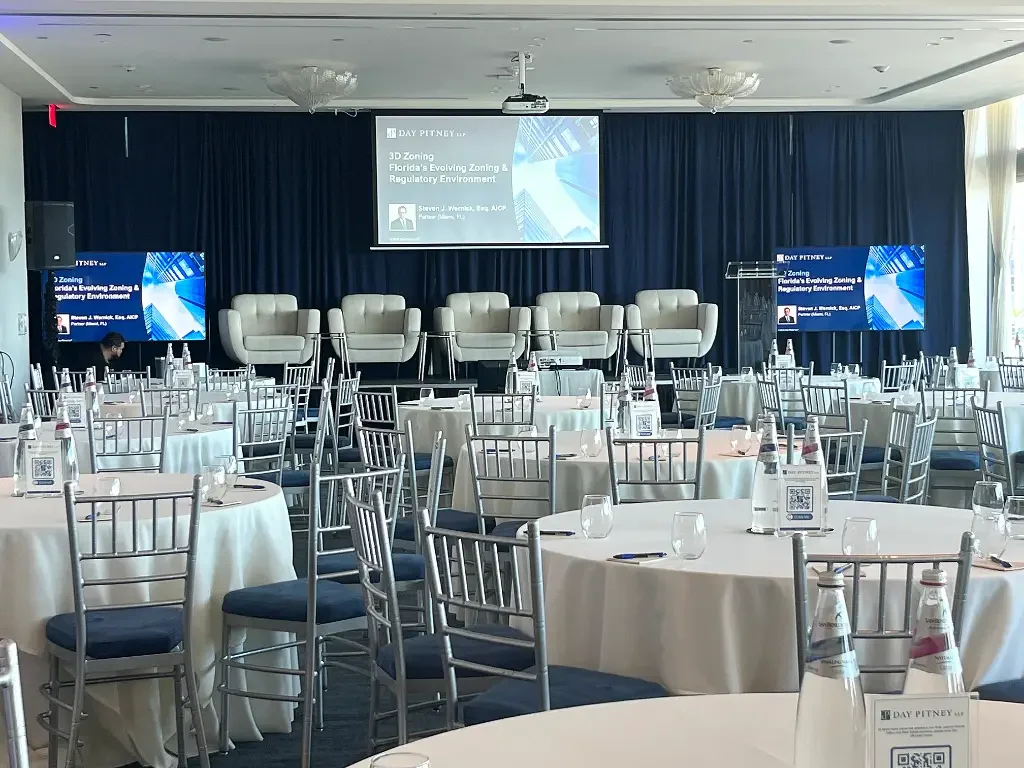
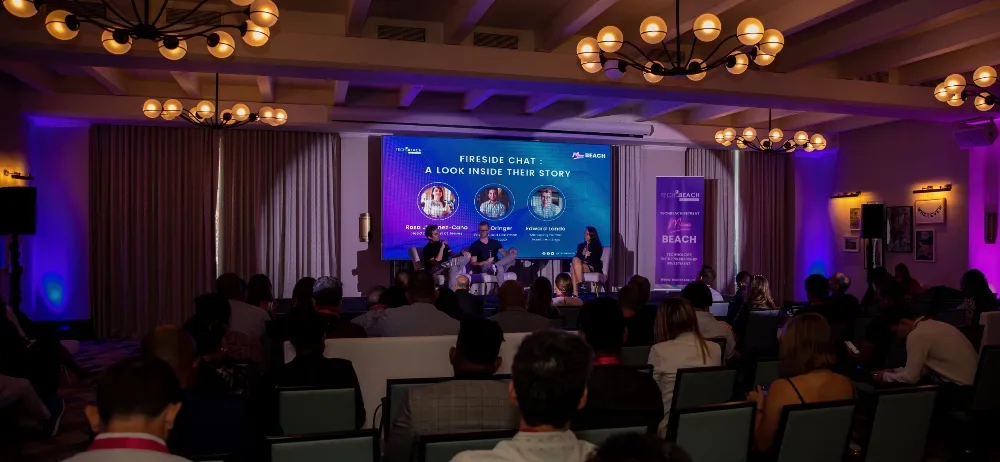
An audience in a dim hotel room watching three people talk on a low stage, with their names and photos on the screen behind them.

Conferences, Keynotes and Award Nights

A general session lives on the keynote's face and the slide beside it. We frame the lectern tight, keep a wide shot ready for panels, and cut to the slide when the speaker points at it. Award nights add a camera on the walk to the stage, so the winner's table sees the handshake. Town halls, product launches and graduations run the same way.
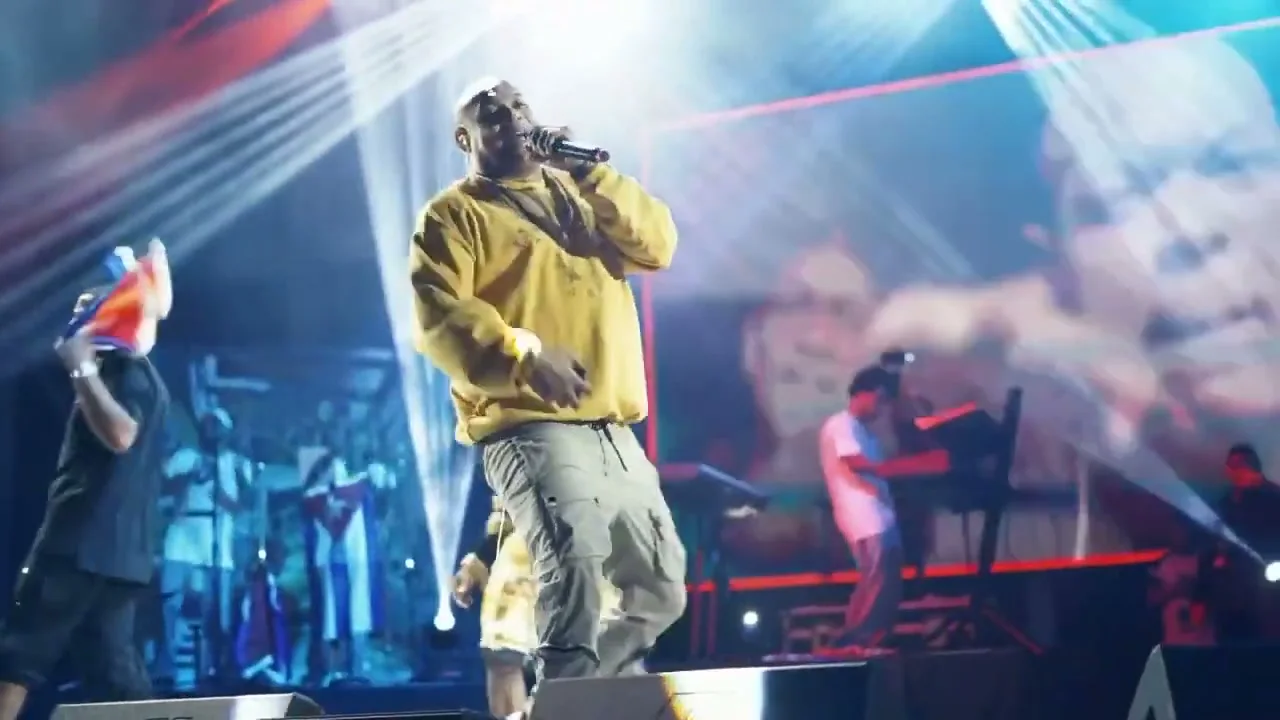
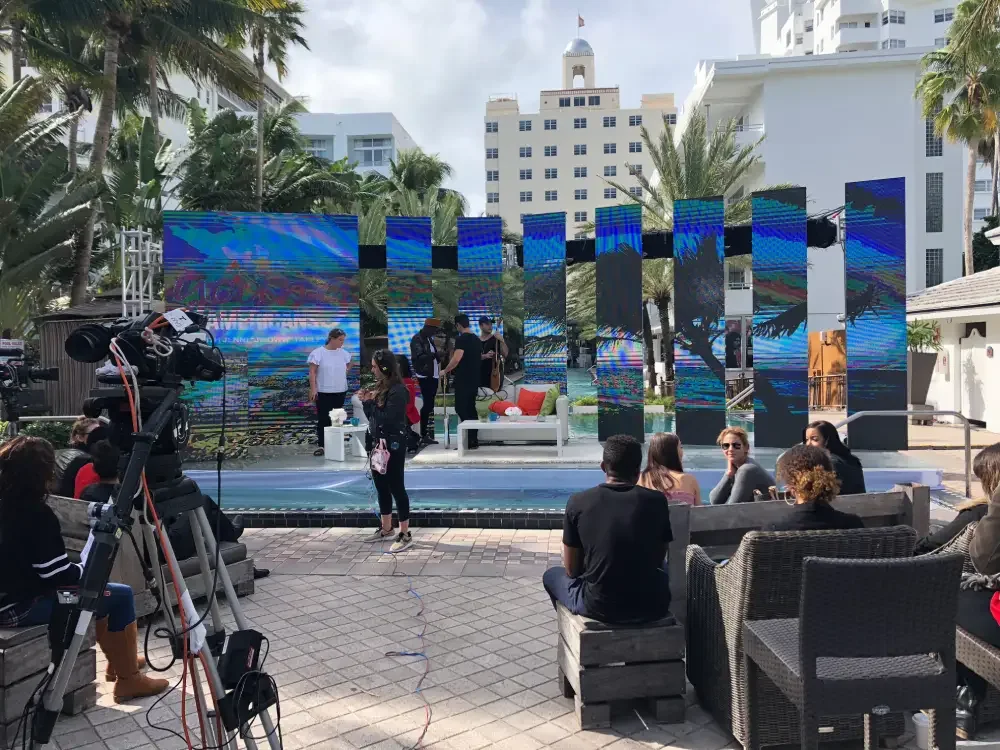
A singer in a yellow sweatshirt on a concert stage while the LED wall behind him shows a live close up of the performers, from our concert video filmed in Miramar.

Concerts, Festivals and Worship

On a music stage the cameras chase the show: the singer, the solo, the crowd with its hands up. In our video from a concert in Miramar you can see the close up fill the LED wall while the band plays under it. Churches use the same setup every week so the balcony can follow the pastor and read the lyrics.

A DJ stage with truss towers and a screen on each side, lit blue and waiting for Bar Mitzvah guests.

Weddings, Quinces and Mitzvahs

Big family parties have their own back row. A camera on the vows, the first dance, the quince waltz or the candle lighting puts those minutes on the screens beside the DJ, so the cousins at table thirty see what the front tables see. Between those moments the screens go back to your photos and your names.

Multi Camera Production

How Many Cameras Does an Event Need?

Fewer than people expect for a talk, more than they expect for a show. The count follows what happens on stage, not the size of the budget line.

  1. One Camera

    A single speaker who stays at a lectern. The picture holds on a head and shoulders shot and the slides do the rest.

  2. Two Cameras

    A tight shot and a wide one. Now the mix can follow a speaker who walks, and show a whole panel when two people talk at once.

  3. Three or More

    An angle from the side, a view of the audience for questions and applause, or a second stage. This is where it starts to look like television.

  4. A Camera That Moves

    A handheld operator near the stage for concerts, entrances and dance floors, where the action will not stand still for a tripod.

We suggest a count after we see the floor plan and the agenda. If one camera does the job, that is what we quote.

What Happens at the Video Switcher

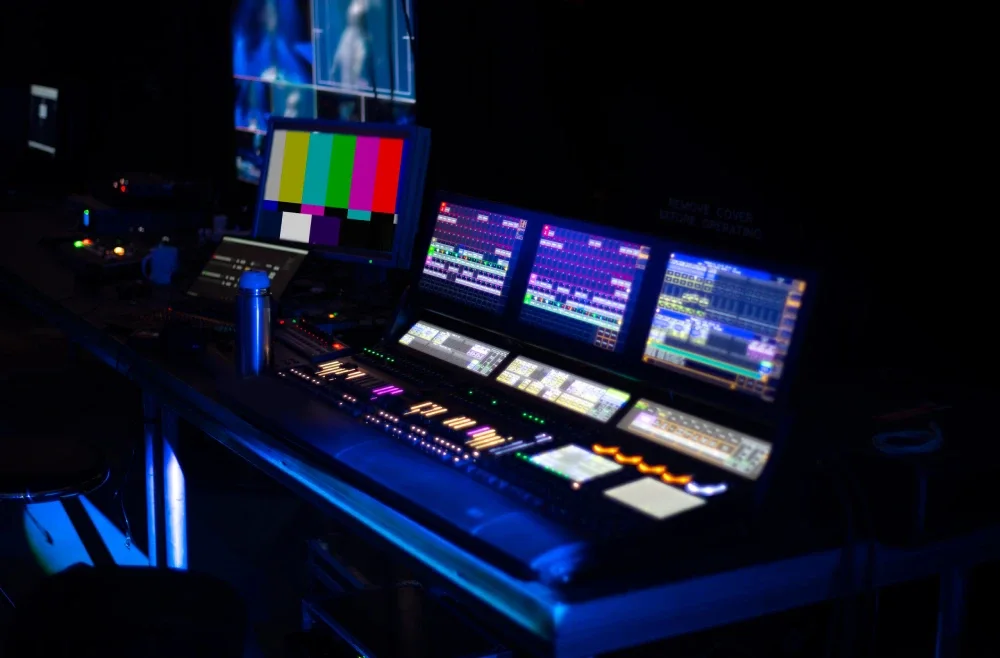
One Person Chooses the PictureEvery camera, the slide laptop and the video player arrive at one desk. The operator watches them all on a single monitor and sends one of them to the screens.
Cuts on CueSpeaker, slide, speaker, audience. The switch lands when the presenter changes the subject, not a beat after.
Two Pictures at OnceThe speaker in a corner of the slide, or side by side, when the room needs both.
Names and LogosA title under the speaker, a sponsor loop between sessions, your graphic while the stage resets.
In Step With SoundVideo cues follow the same run of show as the microphones and presentation audio.
5.0 from 63 Google ratings. Read our reviews on Google.

Cost

What Sets the Price of Live Event Video Production

Camera work is priced by people and hours more than by boxes. When two bids for one show disagree, the gap almost always sits in one of these eight lines.

  1. Camera countEach added camera brings a lens, a stand, cable and usually an operator.
  2. Operated or fixedA camera someone runs follows the action. A locked camera only watches one spot.
  3. Screens and separate feedsOne picture on every screen is simpler than slides in the center and cameras on the sides.
  4. What else is in the mixDecks from several presenters, videos, remote guests, titles and sponsor loops.
  5. Show hours and rehearsalA two hour awards dinner and a three day conference are different crews.
  6. Recording or a streamKeeping the program, or sending it out of the building, adds gear and a second set of checks.
  7. The roomLong cable runs, a balcony, a tent or an overflow room all take more time to wire.
  8. The venue's termsLoading hours, house labor, power and paperwork differ from one property to the next.

Compare

IMAG or Live Stream?

Both start with the same cameras and the same switcher. The difference is who is watching.

This page

IMAG in the Room

Who watches
The people in the seats, on screens in the same space.
How it is framed
Tight. Faces and hands, because the audience can already see the whole stage.
What it depends on
Sightlines, screen size and a picture that stays in time with the person.
Sound
None of its own. The room hears the house speakers.
Get a Live Video Quote

Ask us

A Live Stream

Who watches
People somewhere else, on a phone or a laptop.
How it is framed
Wider and slower. A remote viewer needs to see the stage to follow along.
What it depends on
The venue's internet, which is why we ask about a wired line first.
Sound
Its own mix from the sound desk, or remote viewers hear an echo of the room.
Read the streaming questions

Want a Film of the Day Instead?

A recording of the screen mix is a record of the program. A highlight film, shot for the edit and cut with music after the event, is a separate job with its own crew. That is event videography, and the two can run side by side.

Screens, Stream or Both?Tell us who needs to see the program and where they will be sitting. We will tell you which parts your event needs.

Before We Quote

Six Things We Ask About Your Program

A floor plan and a draft agenda answer most of these. If the venue has a technical contact, send us the name and we will take the wiring questions straight to them.

  1. What Is on Stage?

    One keynote, a panel of five, a band, a ceremony. The format decides the camera angles.

  2. How Far Is the Last Row?

    Room depth and head count tell us whether faces need to be on screen at all.

  3. Which Screens?

    Ours or the venue's, how many, and whether they all show the same thing.

  4. What Else Plays?

    Slide decks, videos with sound, a countdown, a guest joining by video call.

  5. Who Is Not in the Room?

    An overflow space, a foyer screen or viewers at home change the wiring.

  6. When Can We Get In?

    Loading times, where cable may cross a walkway, and time with presenters before doors open.

What does IMAG stand for?

Image magnification. It is the AV crew's word for pointing a camera at whoever is on stage and showing that picture, live and large, to the audience in the same room. If you have watched a concert on the side screens or seen a keynote's face ten feet tall, you have seen IMAG.

What is an IMAG screen?

Any screen that carries the live camera picture. It can be an LED video wall, a projector and screen or a set of monitors down the sides of a long room. The usual layout puts one on each side of the stage so no seat is far from a view.

What is the difference between IMAG and a live stream?

IMAG serves the audience that came. A stream serves the audience that could not. Both can come off one set of cameras, but a room screen wants close shots and no sound of its own, and a stream wants wider shots, its own audio mix and a solid internet line.

Do we need live cameras, or are slides on the screen enough?

Stand where the last chair will be and look at the stage. If you could not read a person's expression from there, the room will benefit from a camera. Short rooms, small crowds and talks that are mostly charts do fine with slides alone, and we will say so.

What is multi camera production?

Two or more cameras feeding one switcher, with an operator choosing between them as the event unfolds. The audience sees a finished program in the moment instead of one fixed view. It is how television covers a game, scaled to a ballroom or a festival stage.

How many cameras do I need for a conference?

Start from the stage, not the attendance. A lone speaker at a lectern can be covered by one. A speaker who roams, or a panel, wants a tight shot and a wide shot. Add another for audience questions or a second stage. Send the agenda and the floor plan and we will suggest a count with a reason for each camera.

What is an IMAG camera?

A video camera set up to feed a switcher live instead of saving to a card for later. What matters is a lens long enough to reach the stage from the back of the room, a steady support, and an operator who keeps the subject framed while they move. We do not list models here because the choice follows the room.

What does a video switcher do at a live event?

It takes in every picture source, meaning cameras, slide laptops and video playback, and sends out the one the operator selects. It also layers pictures, so a speaker can sit beside a chart, and adds titles. People call it a video mixer for the same reason a sound desk is called a mixer.

Can slides and the camera share one screen?

Yes. The common choices are a small speaker window over the slide, the two side by side, or slides on a center screen with cameras on the sides. Tell us which matters more to your presenters. Our presentation support crew handles the decks and the clicker.

Will the picture lag behind the person on stage?

Every video chain adds a small delay. The job is keeping it short enough that lips and sound still match from the seats. We check this from the audience side during set up, with someone talking at the microphone, before guests come in.

Can you live stream our event?

Ask us when you write. The camera mix we build for the room screens is the picture a stream starts from, and we have set up live video streaming at events before. Whether it works at yours depends mostly on the venue's internet, so we will want to know what line the property can provide and where you want viewers to watch.

Can you record the program?

Tell us before the event and we plan for it. A recording of the screen mix captures the program as the room saw it, cuts and slides included. If you want a polished highlight film with interviews and music, that is event videography, which is shot and edited differently.

Can you send the picture to an overflow room or a foyer screen?

Yes, as long as there is a path for the cable and the venue allows it. The second space needs sound as well as picture, so we plan both together. Let us know early, since the route between rooms is often the slowest part of the set up.

Can you feed screens the venue already has?

Often, yes. Many ballrooms have built in projectors or displays, and our switcher can send them a picture if the property lets outside crews connect. We ask the venue what inputs it offers and whether its own staff must be present. Where the house screens are too small or too dim, we bring ours.

How much does live event video production cost?

It depends on the camera count, whether each one has an operator, how many screens and sources are in the mix, the hours including rehearsal, and what the venue requires. We do not post a flat rate because a single camera at a luncheon and a festival stage share almost nothing. Send the details and we answer with a written quote.

Can we add live cameras to a wedding or a quince?

Yes. Families usually ask for a camera on the ceremony, the entrance, the first dance or the waltz, shown on the screens that are already part of the DJ setup. It is a smaller job than a conference. Mention it when you ask about your date and we will price it with everything else.

Get a Quote

Tell Us What Is on Your Stage

The date, the venue, the size of the crowd and what the program looks like. We reply with a camera plan and a price.

Call any day of the week between 9:30 AM and 8:30 PM.

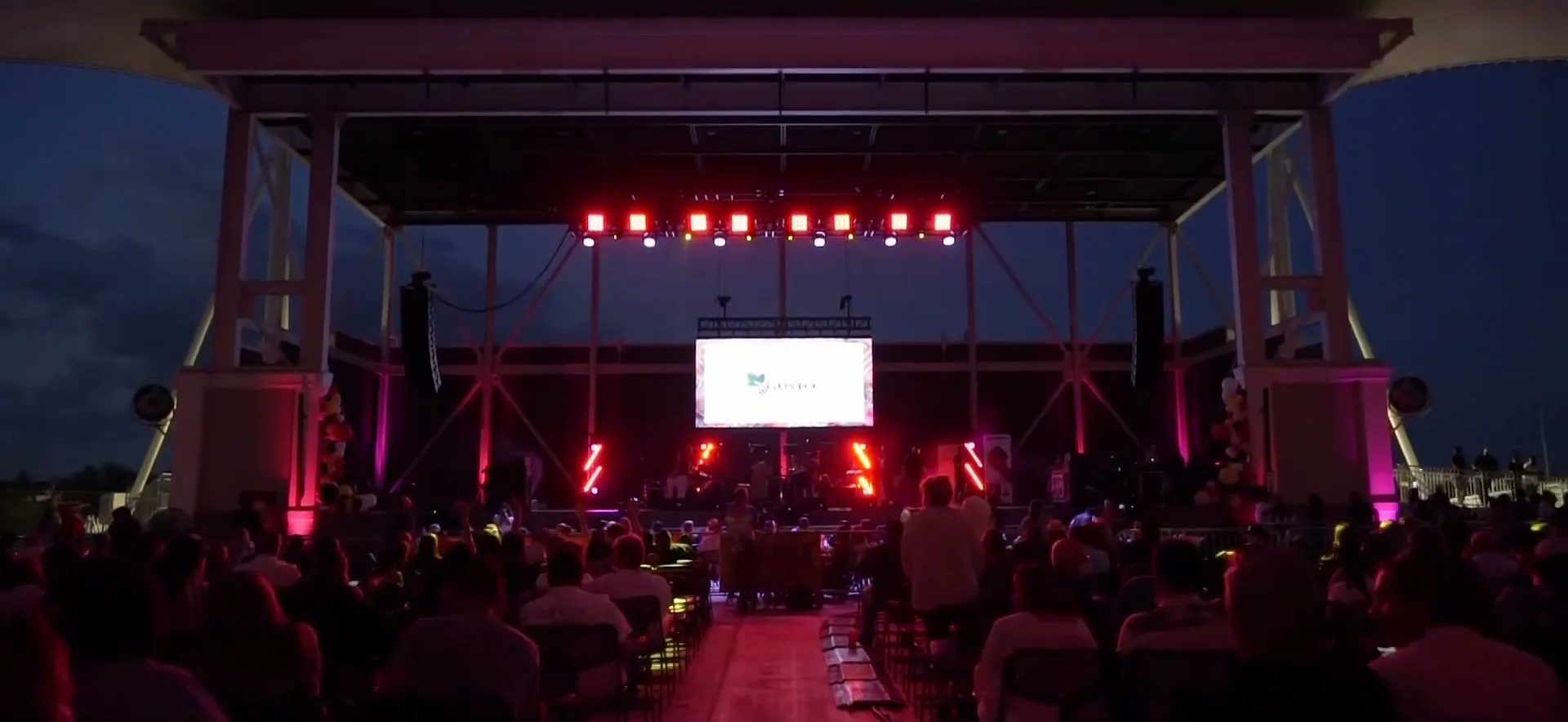
A seated crowd after dark facing an amphitheater stage with an LED wall hung over the band, from our Festival De La Zalsa video.
A screen over the band at a festival in Miramar

Request a Live Video Quote

Five fields are required. The rest helps us quote faster.

A venue name helps most. We check its rules before we quote.

What do you need? (pick any)

Rather talk? Call (305) 714-0402

Call Now Get a Quote