



5.0from 63 Google ratings

Corporate Event AV and Presentation Support in South Florida

Corporate event AV is two jobs: the screens, and what goes on them. This page is about the second one. We load your slides, videos, logos and names, test every file, and keep a technician at the controls so each one appears when it should.

Price AV for Your Program

Five quick fields. We call or text you back with a quote.

Want to give more detail? Use the full form.

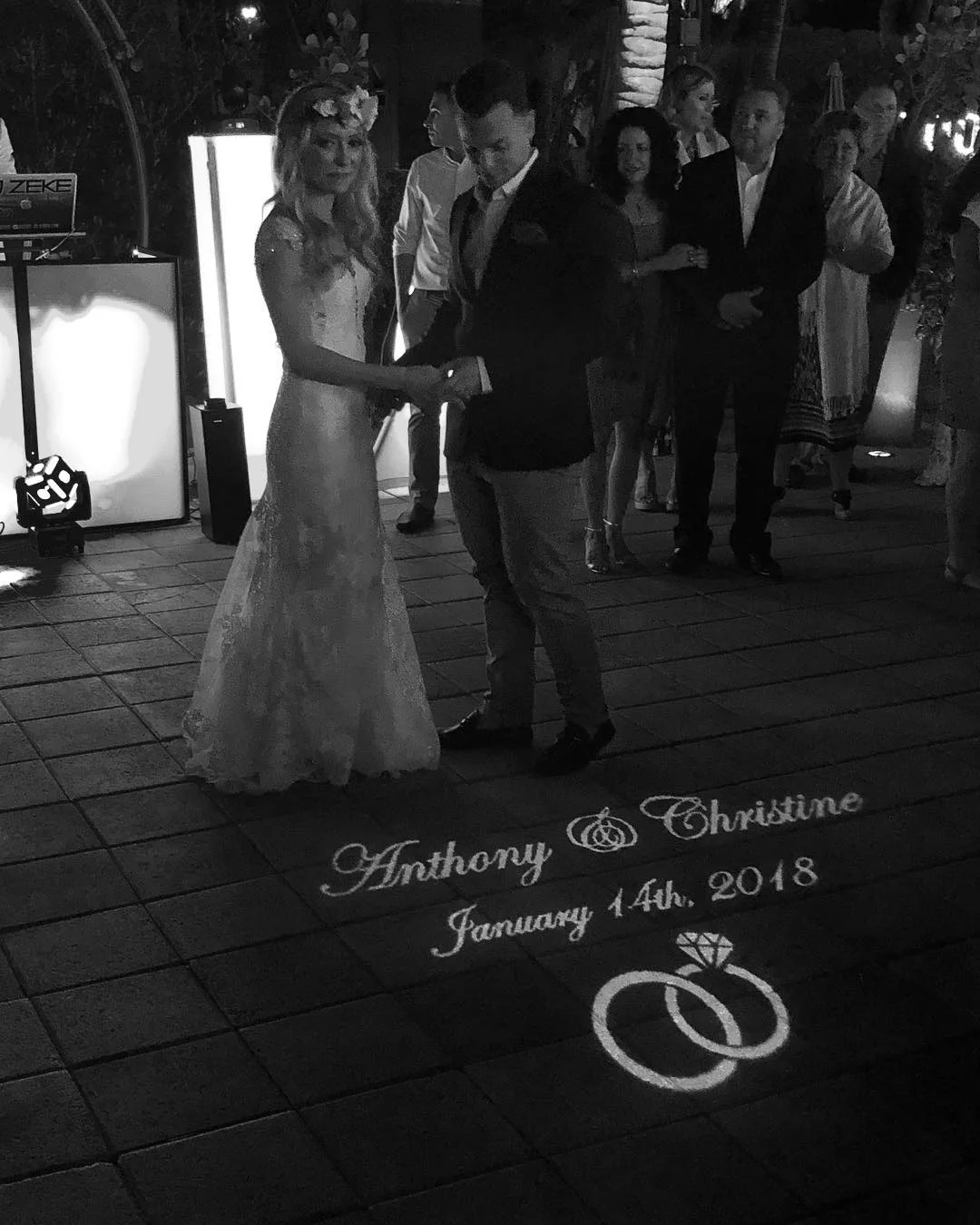
  • A bride and groom holding hands for their first dance beside their names, wedding date and two rings projected in light on the patio floor, in black and white.
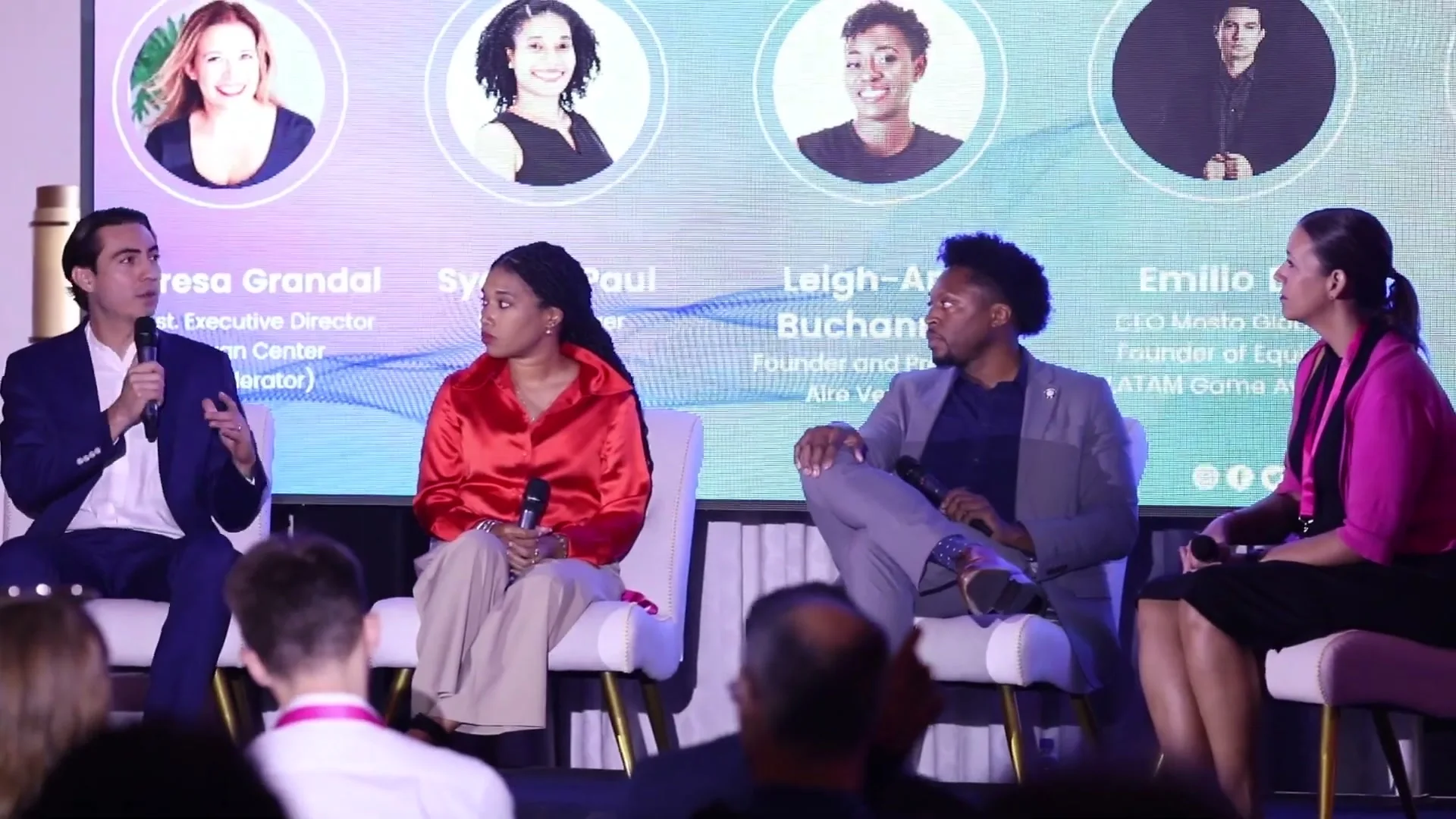
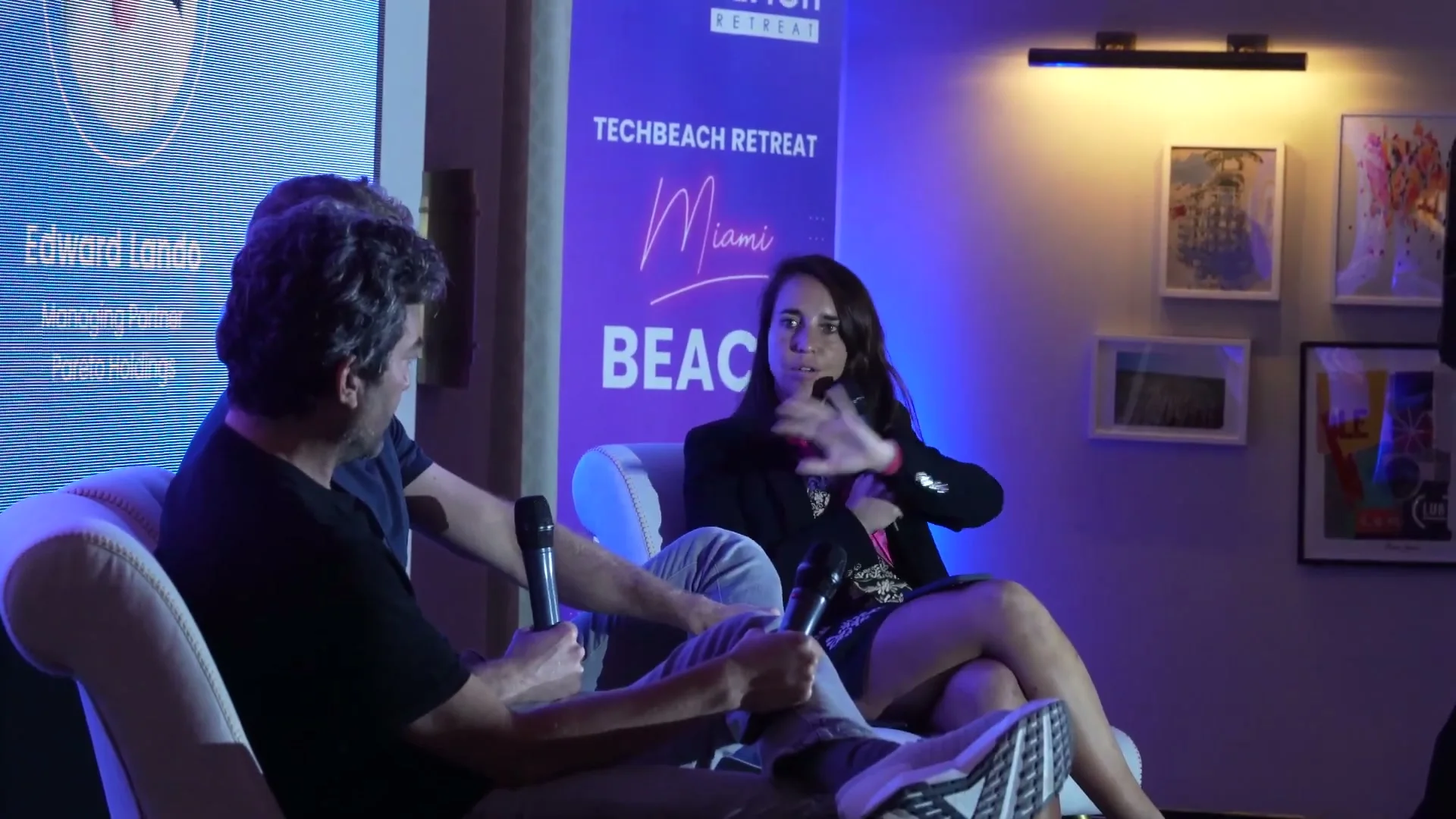
  • Four panelists holding microphones on a stage while the screen behind them shows each of their names and photos.
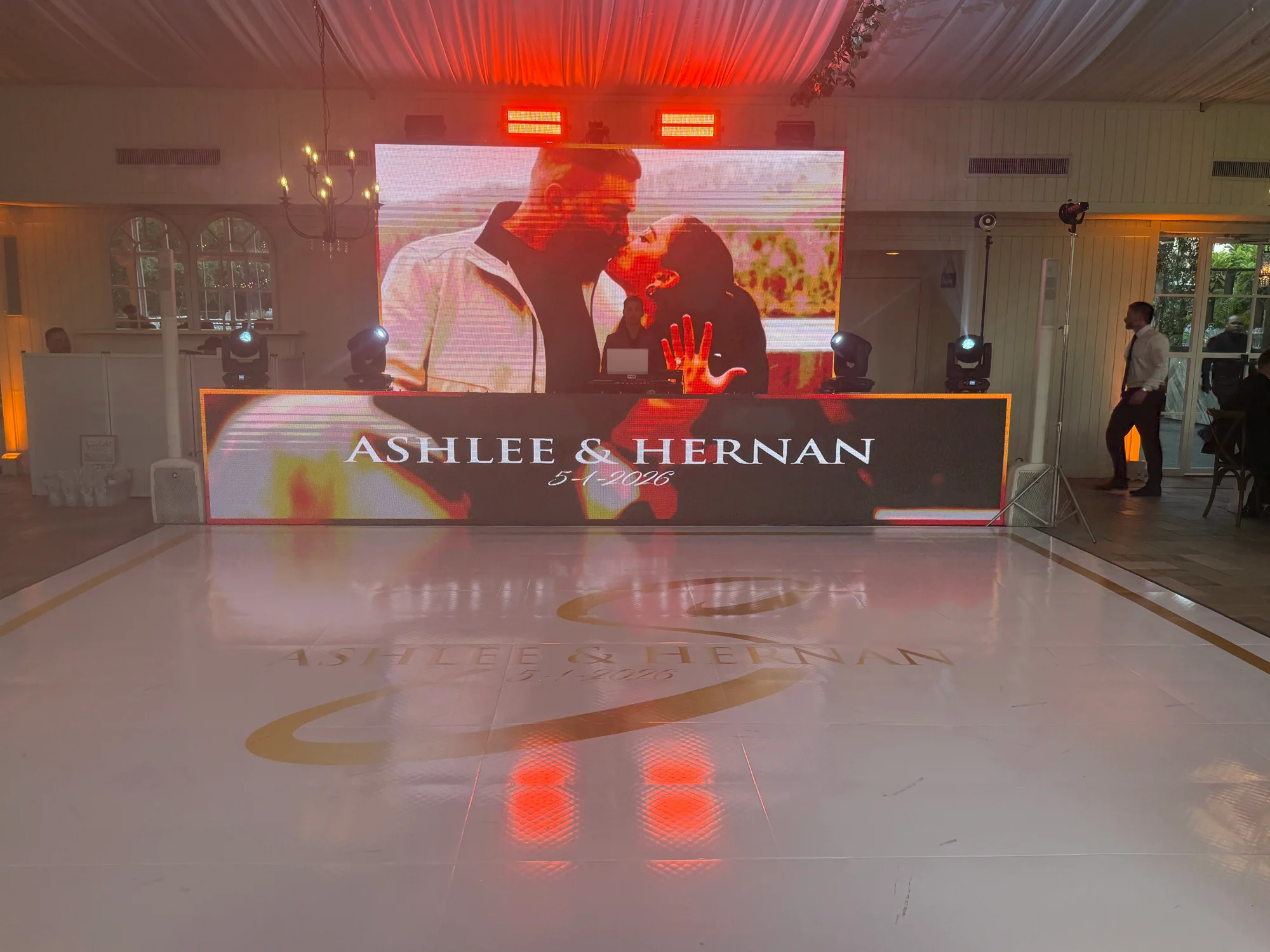
  • A wedding reception with the couple's names on an LED wall and on the dance floor.
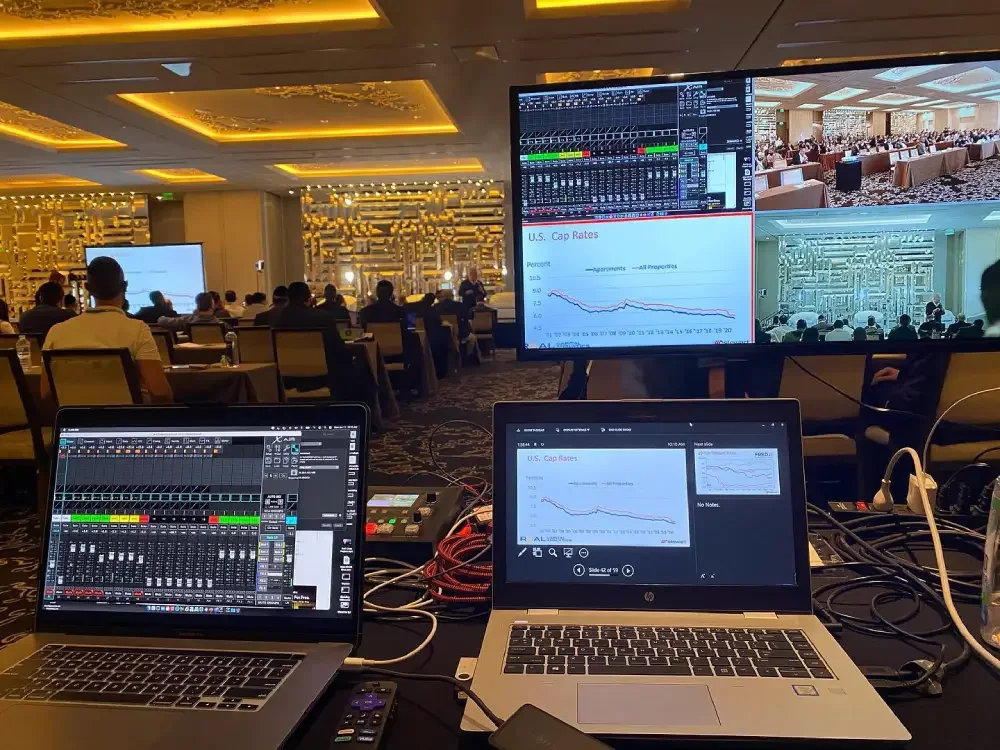
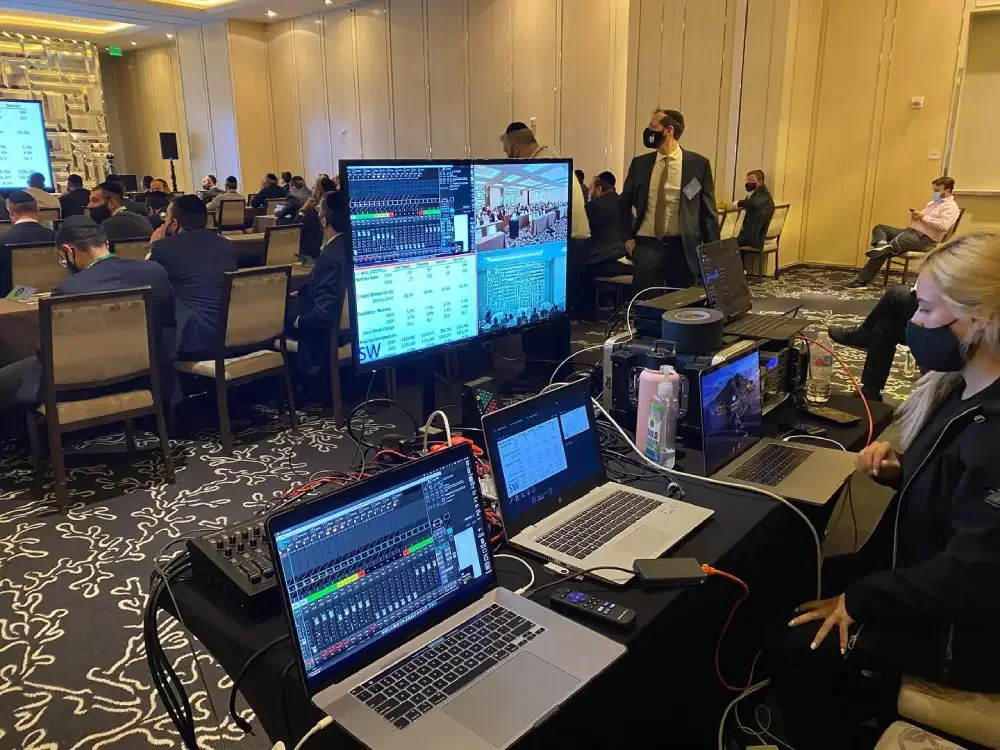
  • Two laptops at a tech desk in a hotel ballroom, with a monitor showing the audience and the slides.
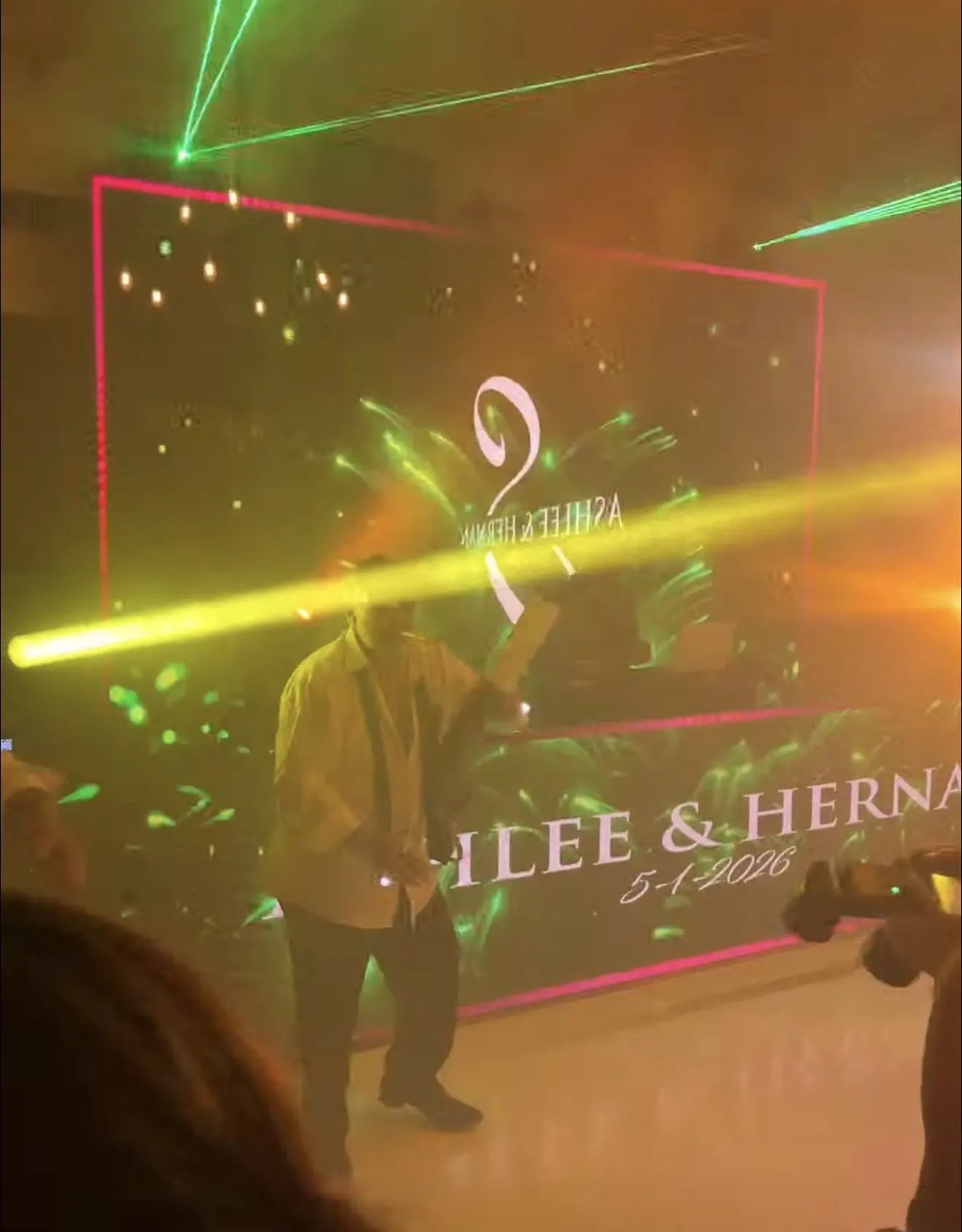
  • LED wall at a reception showing a couple's names, with laser beams cutting through haze.
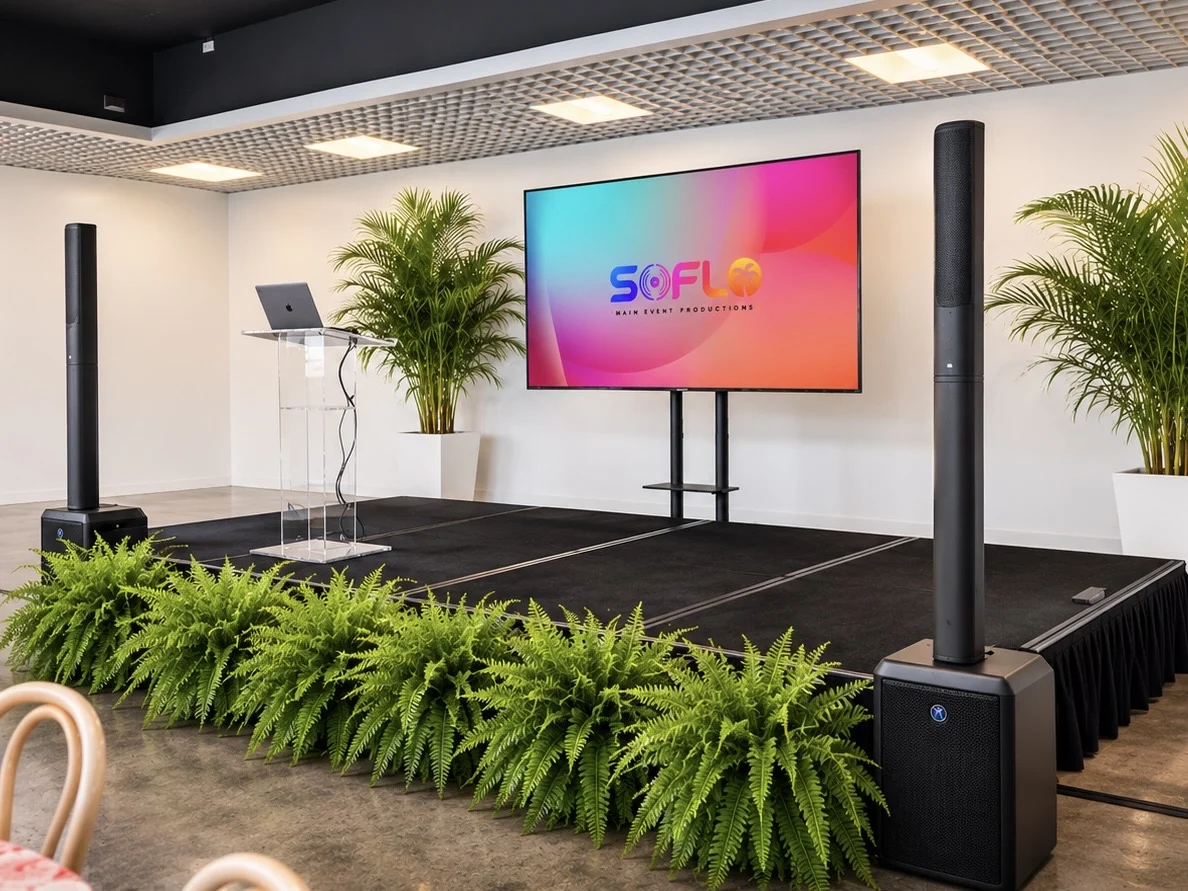
  • A small stage with a clear lectern, a TV screen showing the SoFlo logo and column speakers, set for a private event in the Design District.

We Bring the Vibe. You Live the Moment.

5.0
Google Reviews5 out of 563 ratings. Read them on Google
Family OwnedSince 2017, out of our Hialeah shop
One Crew, Every SystemSound, lighting, video, staging and DJs
Open Daily9:30 AM to 8:30 PM
(305) 714-0402

Content and the Person Running It

What Our Corporate Event AV Crew Handles

A rented screen shows whatever is plugged into it. The work is in the hour before doors and the seconds between speakers: the right file, at the right size, up on the right cue.

Proof

Google Reviews About Our Screens and Presentations

Copied from our Google listing exactly as each client typed it.

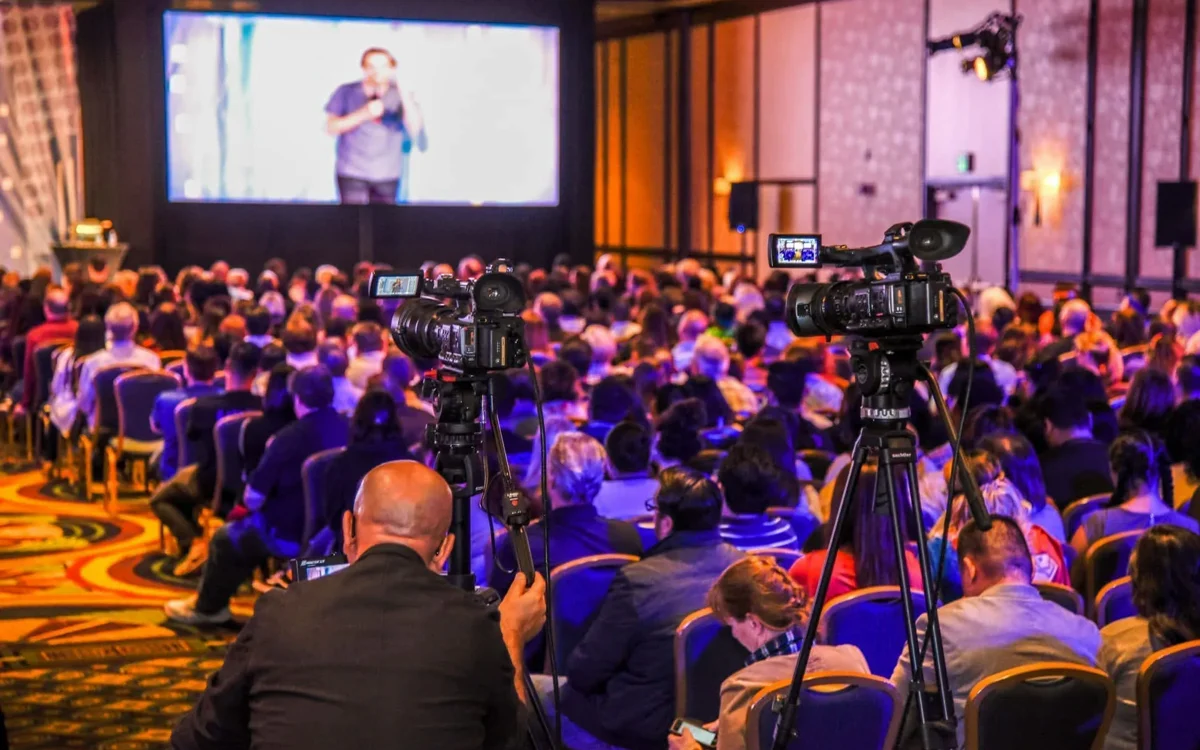
  • A conference audience with cameras filming a speaker on the big screen.
    Google review Minor Ruiz 5 out of 5 stars. Google review of an event with 400 attendees. Photo from one of our events.
    “Led wall looked great and the staff was amazing. We had 400 attendees at our event and everyone loved the sound and presentations.”
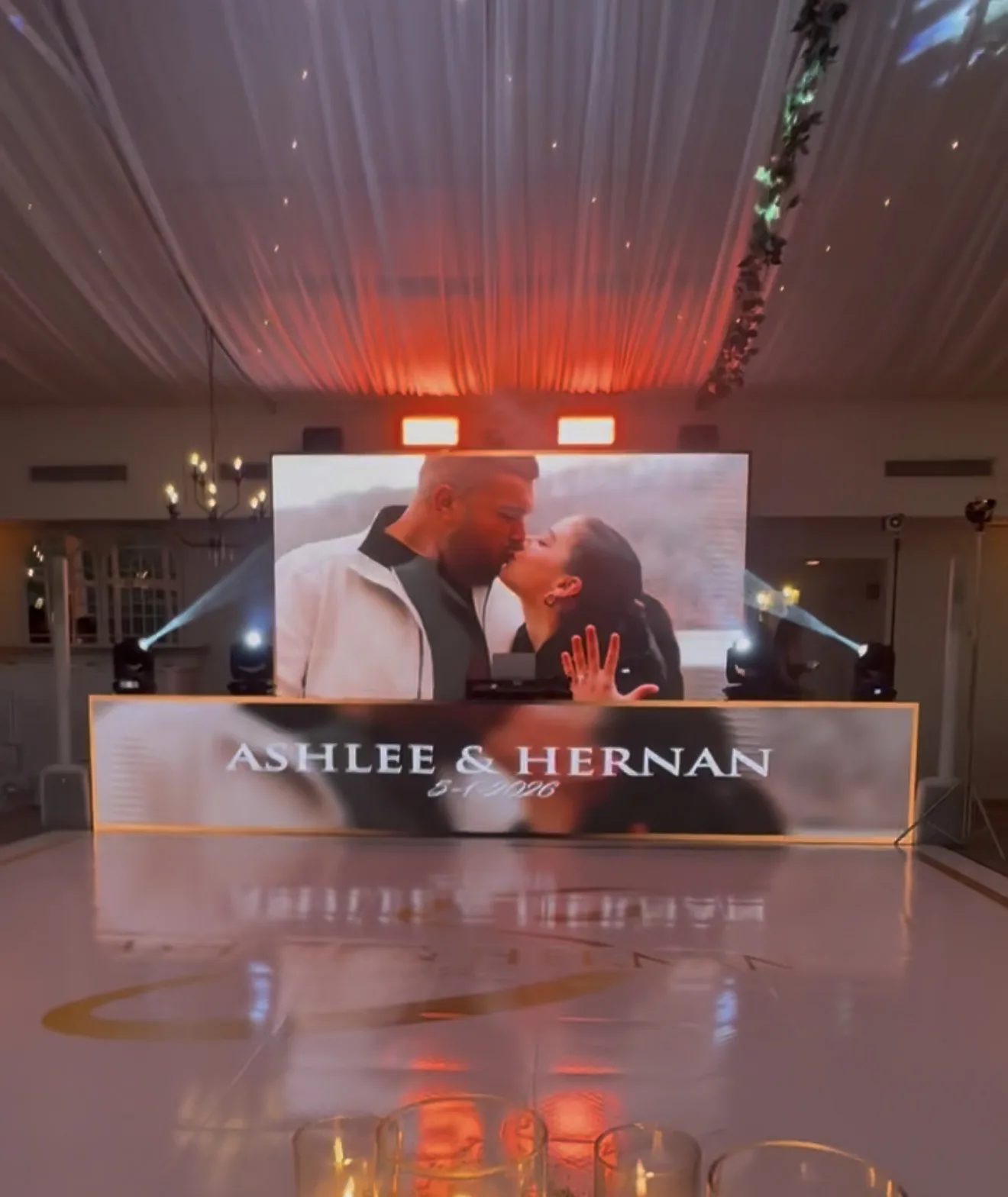
  • A wedding LED wall showing a couple's engagement photo above a dance floor with their names on it.
    Google review Hernan Santos 5 out of 5 stars. Google review of a wedding. Photo posted with the review.
    “Our wedding day was everything we could’ve asked for and more! SOFLO productions positively exceeded all our expectations with the spectacular Lighting, Massive LED Wall with our personal engagement photos, & custom dance floor with our names on it! All our guests have continued to compliment our special day & special effects even months after our wedding day!”
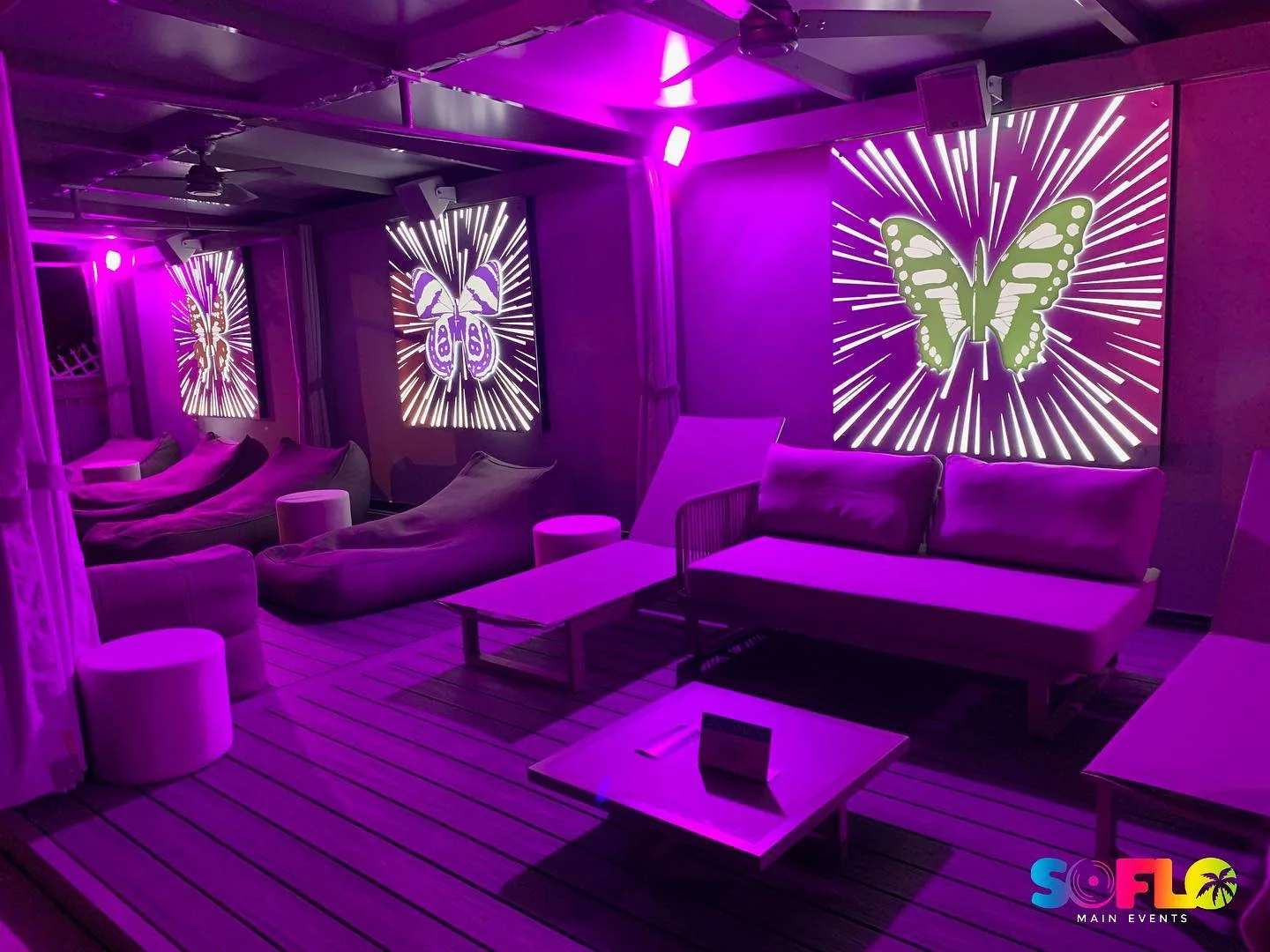
  • A lounge lit purple with three video screens on the walls, from an Art Basel week event on our Instagram.
    Google review Jennifer Delmas 5 out of 5 stars. Google review from a repeat client. Photo from one of our events.
    “SoFlo always comes through. I have worked with them over several years and across different organizations, and they never disappoint. They not only come prepared for what you ask, but can think on their feet if the unexpected comes up. They are no doubt your one-stop shop for AV and Entertainment needs.”
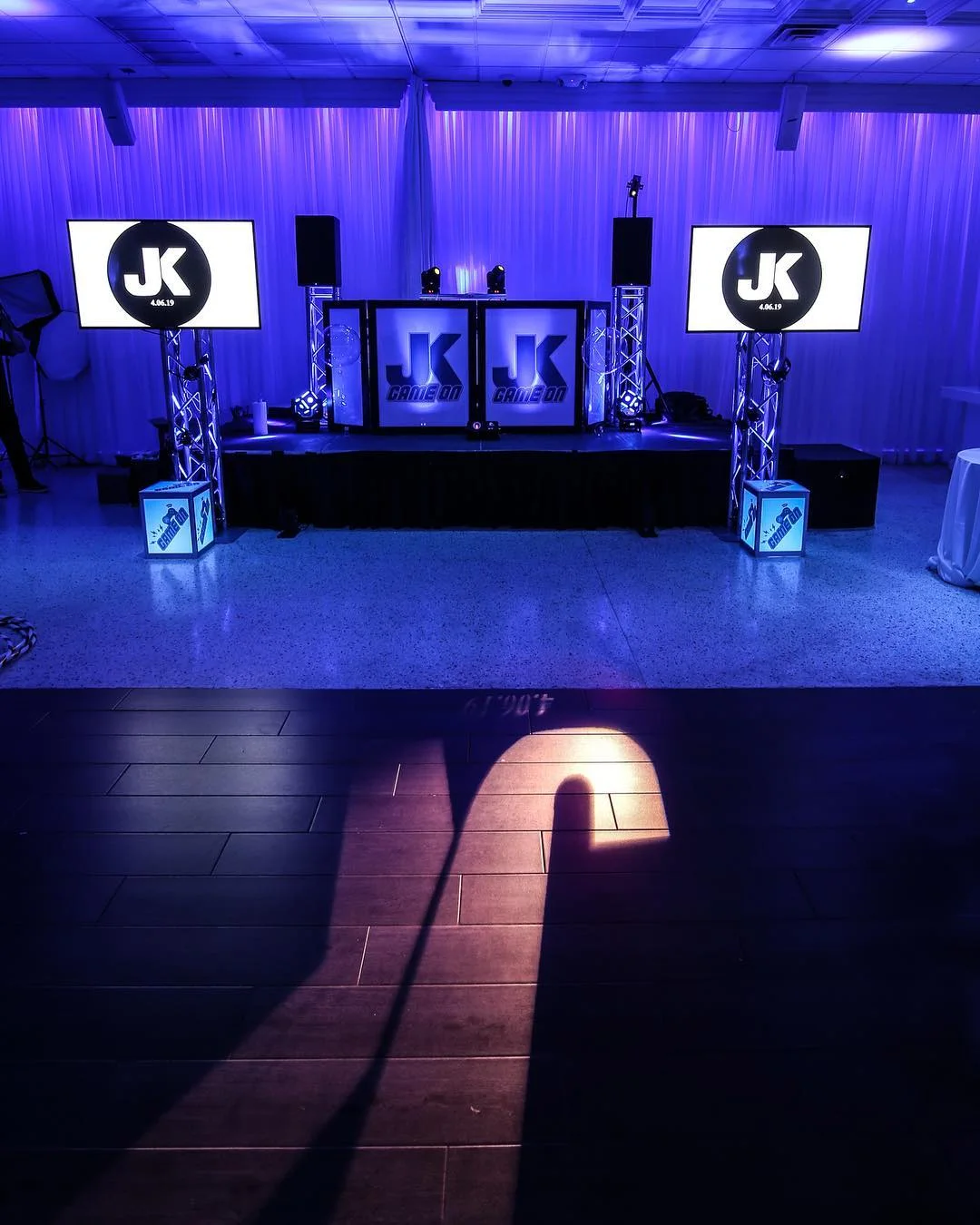
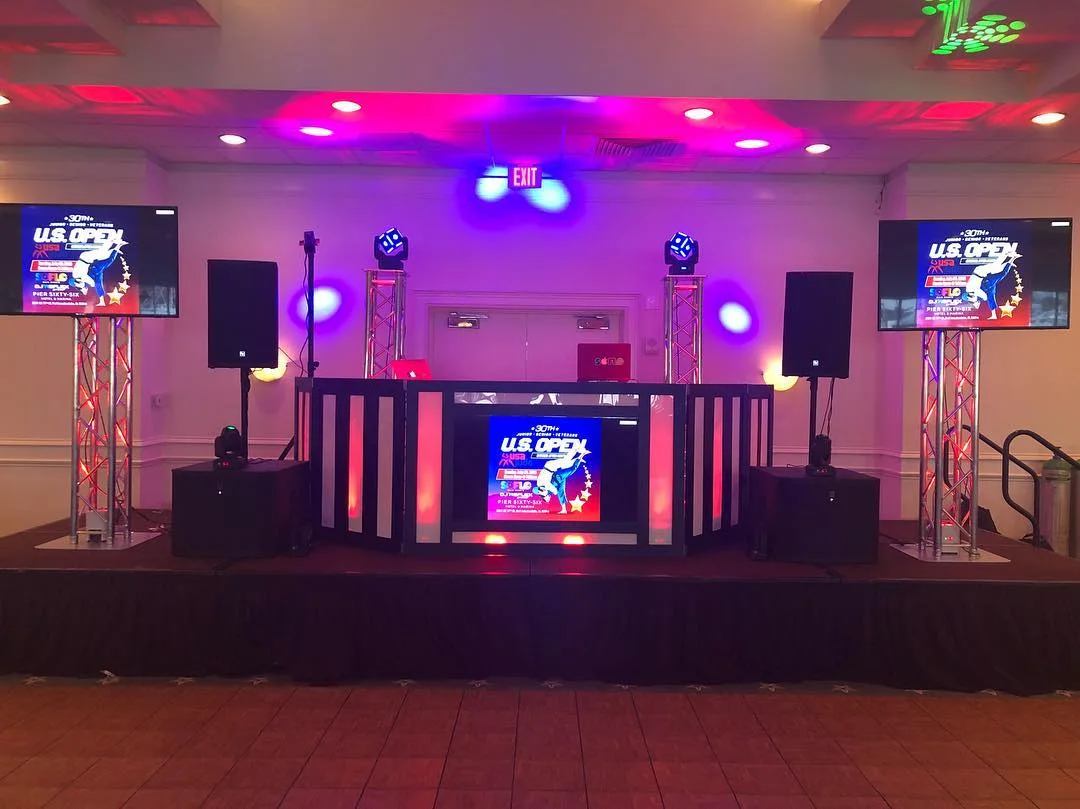
  • A DJ stage with two screens on truss totems, moving lights on top and pink uplighting.
    Google review Rosaly Figueroa 5 out of 5 stars. Google review. Photo from one of our events.
    “OMG! They are simply amazing! Not only they were ready they brought all their equipment, all I had to do was to show them where they would be and they did it all! Hey took a video, photos, lights, bistro lights even screens for display!! Loved it!! They are reliable, flexible and excellent service!”
1 of 4
Have an Agenda Already?Send it with the date and the venue. A draft is fine. We read it and tell you how many screens and hands the program needs.

Who Books This

Conference AV, Gala Screens and Wedding Visuals

Three rooms, three kinds of content, one desk at the back.

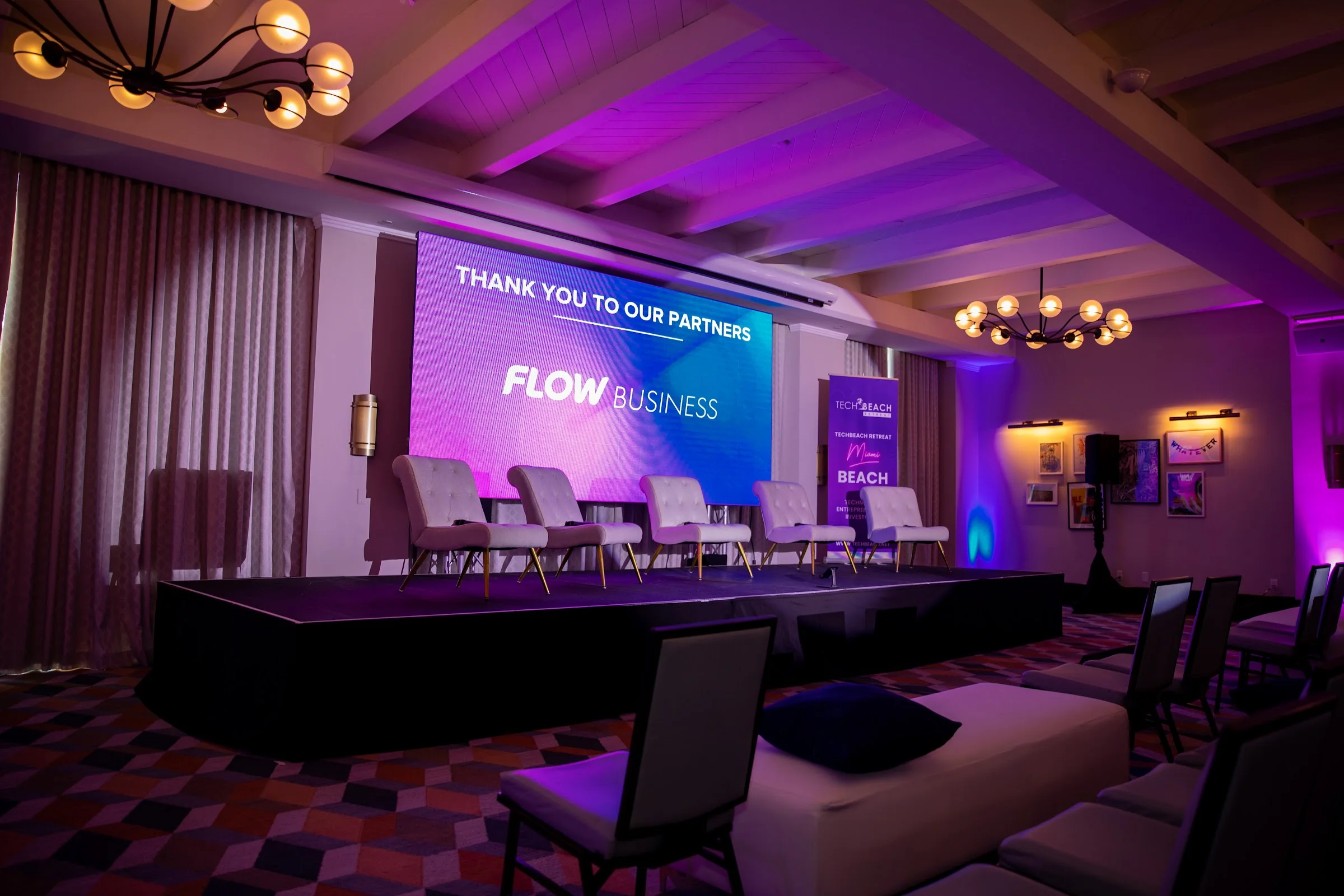
A company event room lit purple with a small stage, lounge seating and a slide on the screen.

Conferences and Company Meetings

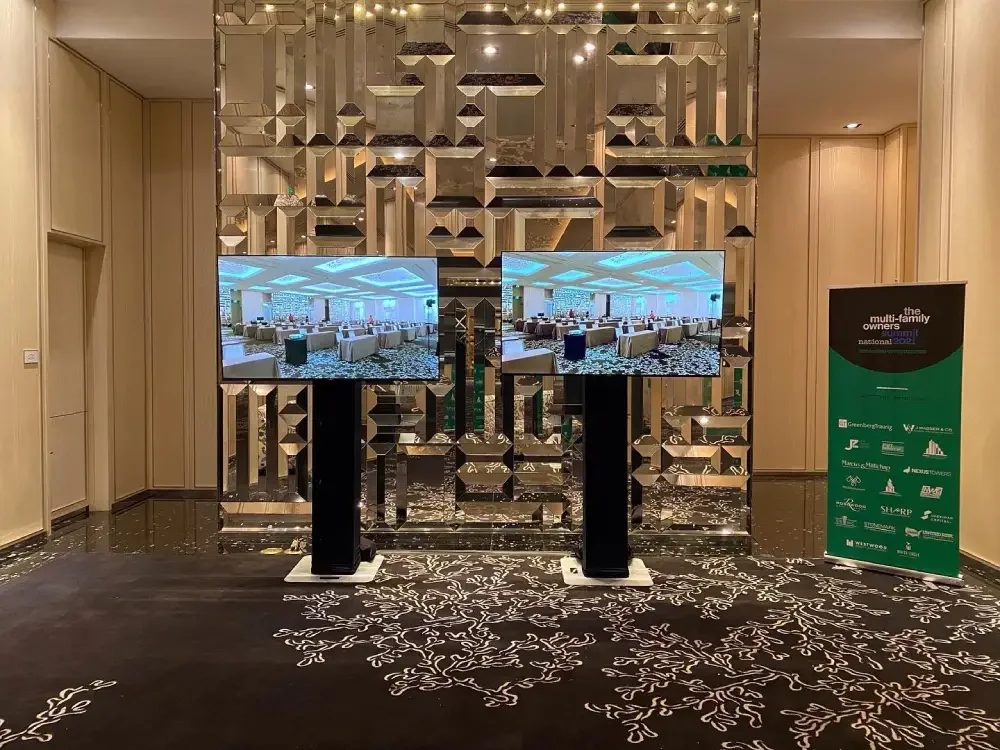
A general session can pass through six decks before lunch. We gather them ahead of time, put a title slide up for each speaker, and switch between a keynote, a panel and a video without a blank screen. We ran the screens for the TechBeach Retreat in Miami Beach and a multi room conference at The Betsy Hotel, both shown on our own channels.
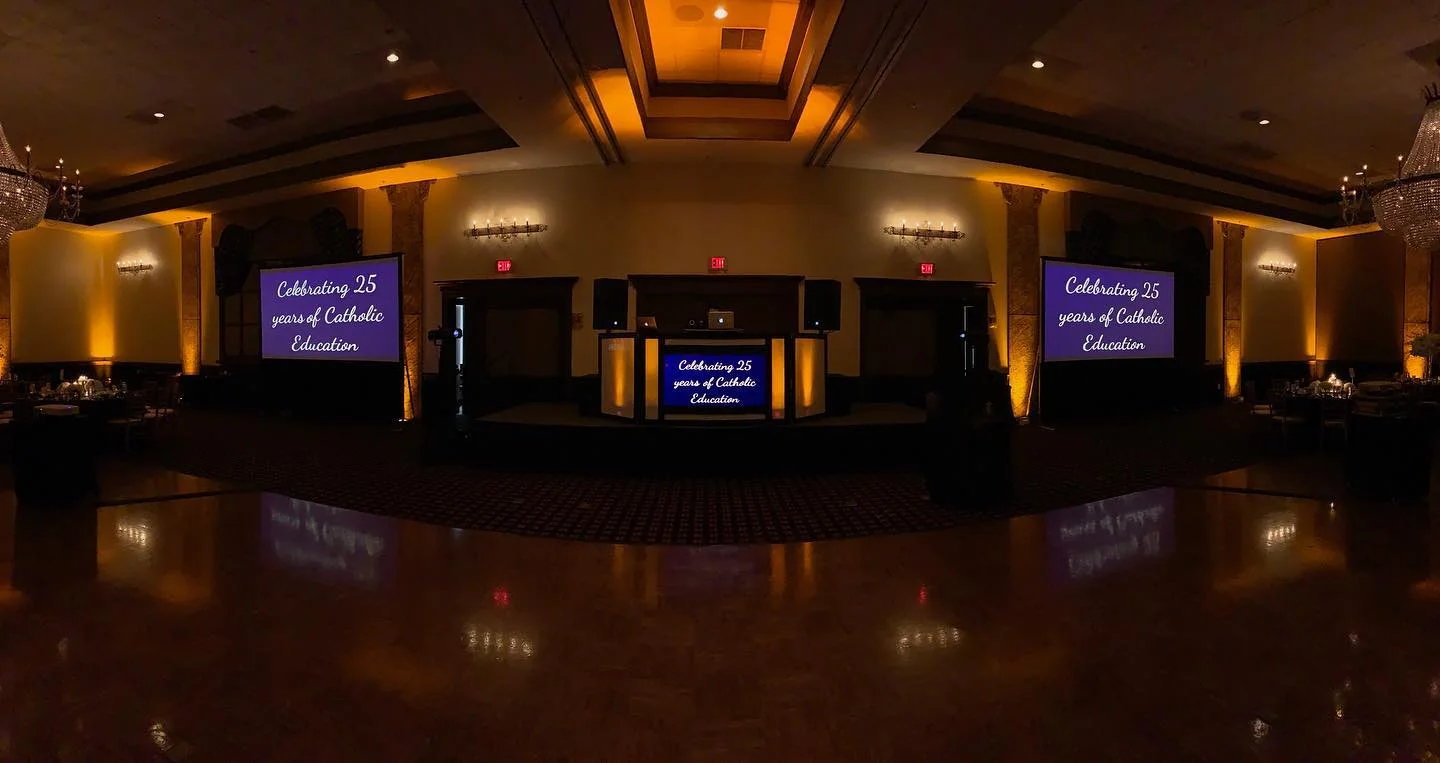
A dark ballroom with amber uplights and the same anniversary message showing on two large screens and the screen in the DJ booth.

Galas, Award Dinners and Fundraisers

The gala version is a cue sheet: sponsor logos during dinner, the mission video, then a winner's name the second it is read. School galas at Signature Grand had the event logo on every screen in the room, including the one in our DJ booth. One message, repeated wherever a guest looks.

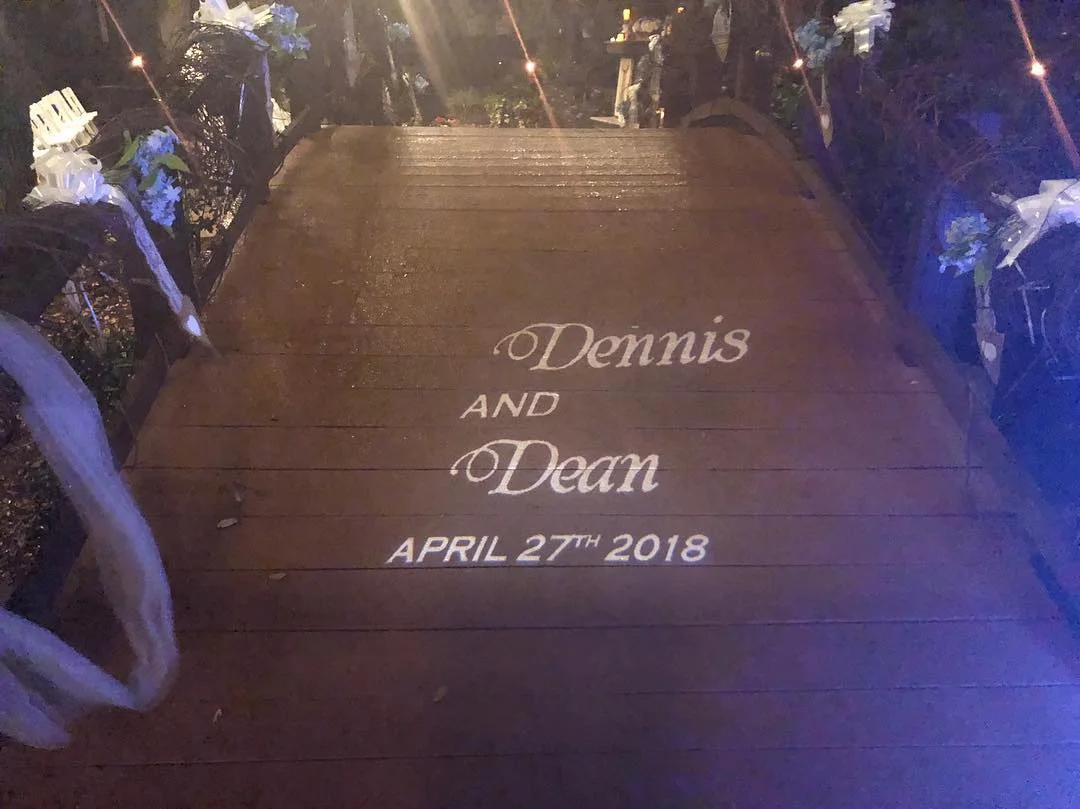
The names Dennis and Dean and the date April 27th 2018 projected in white light on a wooden garden bridge at night.

Weddings, Quinces and Mitzvahs

Names in light are the oldest trick we know and still the one guests photograph first. A Google reviewer wrote that seeing two names and a date on their venue's bridge was "incredibly touching". On a screen the same idea grows: a monogram that holds through dinner, then engagement photos, then the love story video before the first dance.

Show Day

What an AV Technician Does Before and During Your Program

Most of the job happens before anyone in the audience sits down.

  1. Files In, Files Tested

    Every deck opened on the playback laptop. Fonts checked. Each video played to the end, with sound.

  2. Rehearsal

    Speakers click through their own slides, see where to look and hear their walk up music once.

  3. Doors

    A logo or a sponsor loop on screen while people find seats, so nobody ever stares at a desktop.

  4. The Program

    Cue by cue with your agenda in hand. When a speaker skips ahead or runs long, the screen follows them.

Sound for the same program is covered on microphones and presentation audio, and putting the speaker's face on the big screen is covered on live camera feeds and video mixing.

What to Send Us

One Folder, Named in Show OrderNumber the files the way the agenda runs and tell us who presents each one. We confirm the exact pixel size of your screen once it is chosen, so nothing gets stretched to fit.
SlidesPowerPoint, Keynote or PDF, built 16:9 unless we give you another shape. Send the fonts too if they are not standard ones.
VideosMP4 files sent as their own attachments as well as inside the deck. Tell us where each one starts and whether it has sound.
Logos and MonogramsVector art or a large PNG with a clear background. A small copy pulled from a website turns soft on a big wall.
Photos and NamesThe largest originals you have, plus a typed list of names and titles spelled the way they should appear.
5.0 from 63 Google ratings. Read what clients say about our AV work on Google.

Compare

Confidence Monitor or Teleprompter?

Speakers ask for one and often mean the other. Here is the difference, so you can name the right one on the quote form. We confirm what we can supply for your date before the event.

Most programs

Confidence Monitor

What it is
A screen at the foot of the stage, turned toward the speaker instead of the audience.
What it shows
The current slide, the next slide, notes, or a countdown clock.
Who drives it
The speaker's own clicker. It follows the slides and needs no script.
Good fit for
Keynotes, panels and award hosts who know their material and want a glance, not a script.
Ask About One for Your Speaker

Scripted remarks

Teleprompter

What it is
Glass panels or a screen that scroll a full script at reading pace.
What it shows
Every word, in large type, moving as the speaker talks.
Who drives it
An operator who follows the speaker's speed line by line.
Good fit for
Executives and officials reading remarks that must come out exactly as written.
Ask about a teleprompter on the quote form

Cost

What Sets the Price of AV for a Conference or Gala

People and hours move this number more than hardware does. Ask every company you compare to break out the same eight lines.

  1. How many screensOne wall, or a wall plus side screens and foyer displays.
  2. LED or projectionBright rooms and daylight push toward LED. Dim ballrooms give you a choice.
  3. How many cuesThree decks and a video is one seat. A two hour awards show may need a person on graphics alone.
  4. Rooms running at onceA general session plus breakouts means gear and a technician in each.
  5. Rehearsal timeAn extra hour with your speakers the evening before is crew time, and worth it.
  6. Artwork you still needFinished files cost nothing to load. Building or reshaping them takes time.
  7. Cameras and remote guestsA live shot on screen adds equipment and hands. So does a guest who appears from somewhere else.
  8. The venueSet up windows, loading access, power and any charges the building adds for outside crews.
Comparing Quotes?Send us the agenda you sent the others. We answer with crew and equipment on their own lines.

Before We Quote

Six Things We Ask About Your Content

None of these need a final answer on the first call. A rough one is enough to size the job.

  1. What Goes on Screen?

    Slides, video, photos, logos, names, a live camera, or a mix of them.

  2. Who Is Presenting?

    How many speakers, and whether any of them insist on their own laptop.

  3. Who Makes the Files?

    Your team, an agency, or each speaker alone. That tells us how mixed the formats will be.

  4. What Does the Speaker Need to See?

    Next slide, notes, a clock, or nothing at all.

  5. Is Anyone Joining Remotely?

    A guest on a video call has to see and hear the room. Tell us early so we can confirm how it would be handled.

  6. When Can We Get In?

    The hour the room opens to us decides how much testing and rehearsal fits.

Near You

Audio Visual Services for Events Near You

Search for audio visual services near me and half the results install home theaters. We are the other kind: an event AV company that shows up for a date, runs the program and packs out that night. Our crews leave from our Miami base and work across Miami Dade, Broward and Palm Beach counties, with trips up to Orlando for conferences.

The Screens and Sound Behind the Content

Corporate AV Guides From Our Blog

Planning by Event Type

What do audio visual services for an event include?

For a live event it means everything the audience sees and hears from the stage: screens, sound, lighting, and the people operating them. An AV company that only drops off equipment leaves the hardest part to you. Ours stays, so the same crew that built the system is the crew pressing play.

What size should our slides be for an LED wall or a projector screen?

Build them 16:9 unless we tell you otherwise. That shape fits most projection screens and standard LED walls. Extra wide walls are different: a normal slide stretched across one makes logos and faces look squashed. If your wall is wide, we send its pixel size so the designer can build to it, or we center your slides and fill the sides with a background.

What file formats do you take for slides, videos and logos?

PowerPoint, Keynote and PDF for decks. MP4 for video. Vector files or large PNG images for logos and monograms. If you work in something else, such as a web based deck, tell us early so we can test it on the playback laptop instead of finding out at rehearsal.

Can a speaker present from their own laptop?

Yes, and some need to, for a software demo or a deck with custom animation. We would still like a copy of the file ahead of time, in case that laptop has trouble. Tell us the laptop model so the right adapter is waiting at the lectern, and have the speaker plug in during rehearsal, not during the introduction.

When should we send our files?

As early as they are close to final. We want time to open each one, check the fonts and watch every video through before the room opens. Late changes are normal. Hand the new version to the technician at the desk and it goes into the lineup in the right spot.

What does an AV technician do during a presentation?

Follows the agenda line by line. Puts up each speaker's title slide, advances or hands over the clicker, starts videos with their sound, brings a logo back between segments and watches the clock. When something goes off plan, such as a missing file or a speaker who starts two slides ahead, the technician corrects it from the desk so the audience never sees the scramble. More on the crew side is on on site technical support.

What is a confidence monitor, and why is it called that?

It is a screen placed low at the front of the stage and aimed at the speaker. It mirrors the slides or shows the next one, so the speaker never has to turn around to check the wall. The name comes from what it gives the person on stage: the confidence that the right slide is up behind them. If a presenter of yours expects one, ask for it on the quote form and we confirm before the event.

Can speakers see a timer on stage?

A speaker timer is a countdown clock placed where only the person on stage sees it, often beside the slides they are facing. It matters when the agenda is tight or several speakers share one hour. If yours need one, write it on the quote form and we confirm before the event what we can set up. Either way, decide ahead of time who may add minutes, usually the host or the stage manager, so the technician is not negotiating with a keynote speaker in the middle of a talk.

Do we need a rehearsal?

If there is more than one speaker or more than one video, yes. Even twenty minutes lets each presenter click through their deck on the real screen, find the monitor and hear the microphone. Problems found in rehearsal take a minute to fix. The same problems found during the program take the room's attention with them.

Can a remote speaker join on screen by video call?

It takes more than a laptop on the lectern. The remote guest has to see and hear the room, the room needs clean sound back from them, and the call should be tested with the actual person before doors. If your program has a remote speaker, say so on the quote form with the platform they use, and we confirm before the event how it would be handled. See live camera feeds and video mixing for how that is put on screen.

Can you work in a hotel or convention center that has its own AV team?

Often, yes, and how it works is set by the building. Ask your venue contact what an outside production company must provide and whether any charges apply, then copy us in. Our guides on Miami Beach Convention Center AV rules and choosing an event production company in Miami cover the questions to raise.

Can you run sponsor logos or a holding slide between speakers?

Yes. Send each sponsor logo as its own file with the order and how long each should stay up. The loop plays at walk in, during meals and between segments, and the technician cuts back to it whenever the stage is empty. Tiered sponsors can get more screen time; put that in your list.

Is a wedding monogram better as a gobo or on an LED wall?

They do different things. A gobo is a pattern projected in light, sharp and still, on a dance floor, a wall or even a bridge. It works in rooms with no screen at all. A monogram on an LED wall can move, change color and give way to photos and video later in the night. The projected kind is covered on event lighting design.

Can you play our wedding slideshow or a tribute video?

Yes. Export it as a single MP4 with the music already in it, and send it ahead so we can test picture and sound on the system. Tell your DJ or MC when it should play. One Google reviewer had engagement photos on the wall behind a dance floor carrying the couple's names.

Do you design the monogram or the graphics?

Start by telling us what you already have. Finished artwork goes straight to the screen. If something has to be created or reworked, say so when you request the quote and we will tell you plainly what our team can take on and what is better left with your designer or stationer.

How much does corporate event AV cost?

It depends on the count of screens, rooms and crew hours, which is why we quote from your agenda instead of a rate card. A single room with one screen and a short program is a small job. A general session with breakouts, cameras and a rehearsal day is a large one. Send the schedule and we price that exact program.

Is the operator part of the screen rental or a separate line?

Our crew sets up, runs and strikes what we bring. Whether one technician can cover sound and slides together, or the program needs a person on graphics alone, comes down to how many cues there are. The quote names each role so you can see who is doing what.

Get a Quote

Tell Us What Goes on Screen

The date, the venue, the agenda and a rough list of content. We reply with the screens, the crew and a price.

We answer the phone from 9:30 AM to 8:30 PM, every day of the week.

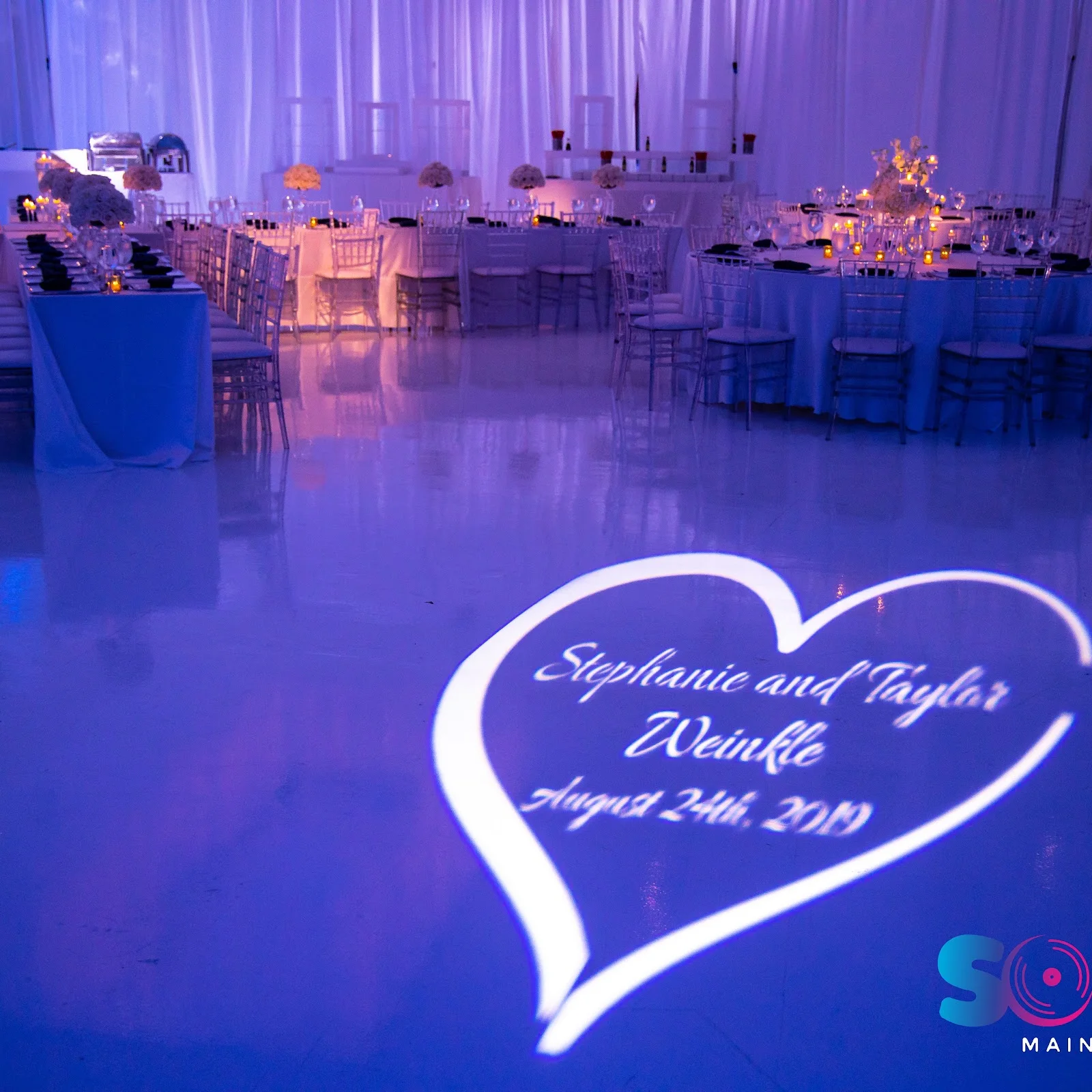
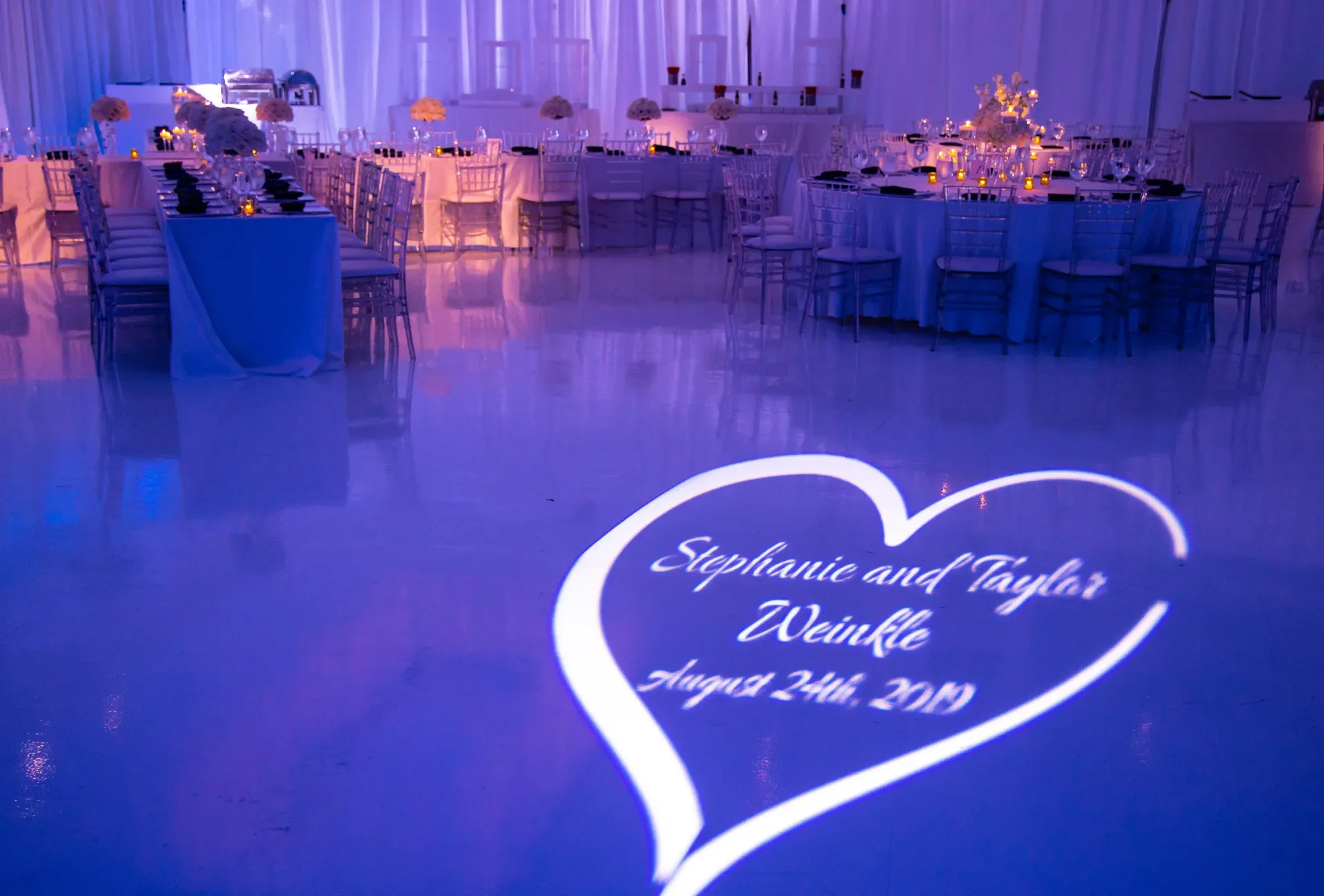
A reception room draped in white and lit lavender, with a heart shaped name projection on the white floor and dinner tables behind it.
Names and a date in light, set before guests arrive

Request an AV Quote

Five fields are required. The rest helps us quote faster.

A venue name helps most. We check its rules before we quote.

What do you need? (pick any)

Rather talk? Call (305) 714-0402

Call Now Get a Quote